EasyManua.ls Logo

TP-Link Archer AX53 - Quick Start Guide Manual

TP-Link Archer AX53
4 pages
Print Icon
To Next Page IconTo Next Page
Loading...
Power On/Off
ResetPower
LAN1WAN
Reset
WPS/Wi-Fi
LAN2 LAN3 LAN4
Power
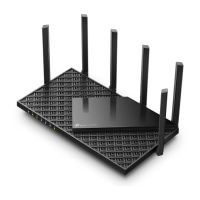
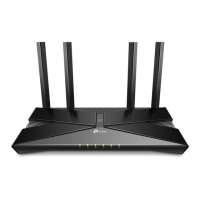
TP-Link Archer AX53 and AX55
Router
This router can be mounted on a wall or placed on a shelf/desk.
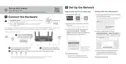
Backpanel
Get to know your router!
Connect power-
adapter here
(12V/1,5A).
USB 2.0 port
(not available on
AX53)
connect USB-devices.
Internet-port
Connect to berconverter/
cablemodem using at least a
1m long ethernetcable.
WPS/Wi-button
Press to activate WPS.
Press and hold for more
than 2 sec to turn wi on/o󰀨.
On/o󰀨-
button
Turns the
router on/o󰀨.
Ethernet-ports
Connect a computer or
other devices to your
router.
Reset-button
Resets router to
default factory
settings.
After a reset, the
router needs to be
re-installed.

Other manuals for TP-Link Archer AX53

Related product manuals