7
Chapter 2
Connect to a Computer
Before You Start:
• Make sure your Router or Access Point supports the Wi-Fi 7 standard.
• It is recommended to use the adapter on Windows 11 (64-bit) or above.
Note:
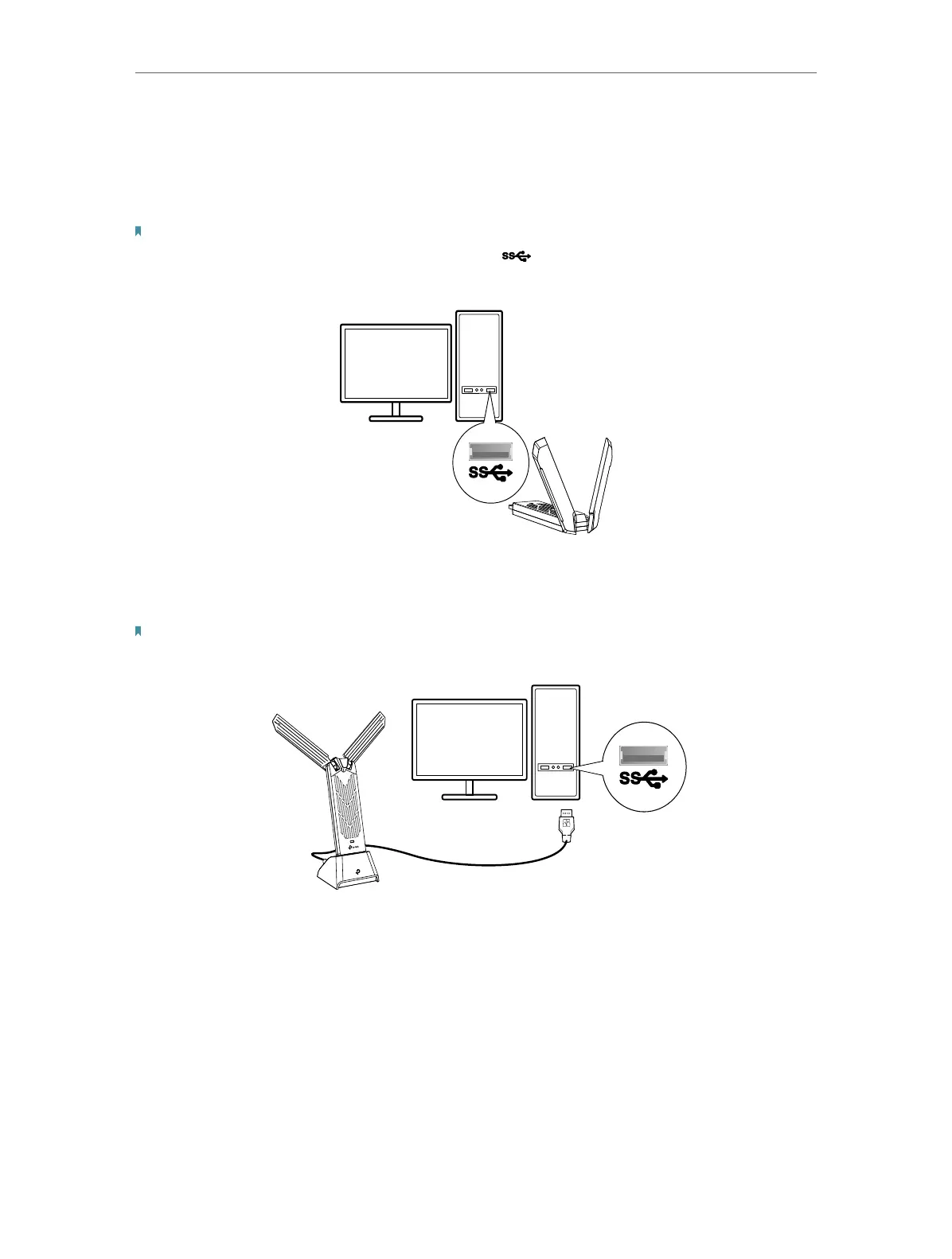
It is recommended to connect the adapter to a USB 3.0 ( ) port.
Option 1:
Insert the adapter into a USB port on your computer directly.
* The image is for demonstration only.
Option 2: Via the USB Extension Cable
Note:
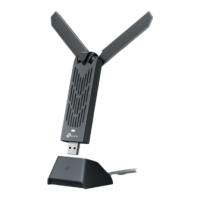
For optimal performance, it is recommended to use the provided USB extension cable.
* The image is for demonstration only.










 To Next Page