7
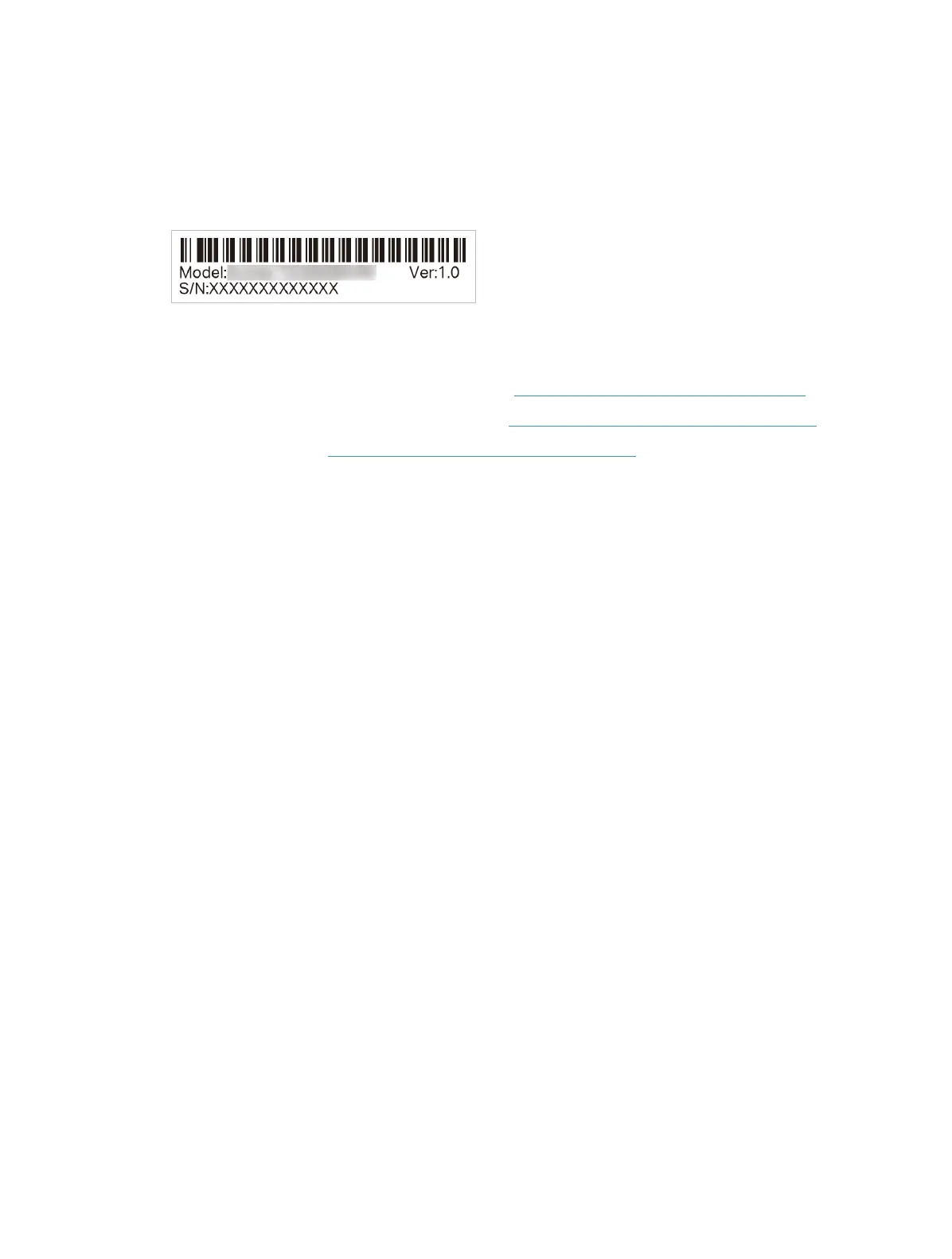
T5. How to find the hardware version of the adapter?
• The hardware version printed on the product label on the package or the adapter.
There is a character string “Ver:X.Y” (for example, Ver:1.0) in the Serial Number field, and
the number X is the hardware version of the adapter.
For more detailed instructions:
• Can’t find the hardware version of the adapter: https://www.tp-link.com/faq-46.html
• Can’t find or connect to the wireless networks: https://www.tp-link.com/faq-2253.html
• Can’t install the driver: https://www.tp-link.com/faq-2252.html








 To Next Page