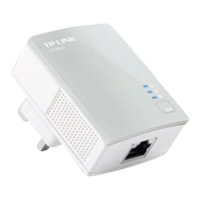
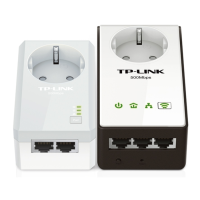
TL-PA4010P AV500 Powerline Adapter With AC Pass Through
5
Note:
1. If you press the pair button for more than 10 seconds, the powerline adapter will leave the network
which it has joined and its new network name assumes a random value. The Power LED turns off
temporarily when it disconnects from the powerline network.
2. For detailed information about the pair button, please refer to Chapter 5 Advanced Feature: How to
Use the Pair Buttons.









 To Next Page
