Powerline
Quick Installation Guide
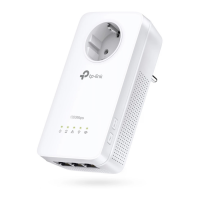
More: To add additional powerline
adapters or extenders with the default
settings, simply plug them into the wall
sockets on the same electrical circuit.
Wait until the Powerline
LED turns on.
Extender
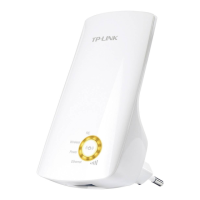
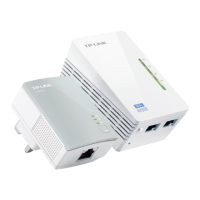
(TL-WPA4220)
Adapter
(TL-PA4010)
Applicable to TL-WPA4220 and its multiple-pack kits
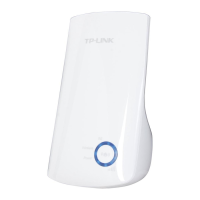
AV500 Powerline Wi-Fi Extender
7106505567 REV4.0.5
Plug and Play
Set Up a New Wireless Network
Router
WAN LAN
1
2
3
* TL-WPA4220 KIT (European version) is used for demonstration in this QIG.
Image may differ from actual product.
Clone Your Router’s Wi-Fi Settings to the Extender (Recommended)
Note: If the Wi-Fi LED still blinks slowly for longer than 30 seconds, unplug the extender and plug
it back in, then try again. Or use “Customize the Extender’s Wi-Fi Settings” on the back instead.
If your router supports WPS, you can continue with the steps below to clone
its current Wi-Fi settings to the extender.
Tips: We recommend that you plug in the extender near your router for Wi-Fi cloning.
Press the WPS button
for 2 seconds.
1
Within 2 minutes, press the
Wi-Fi Clone button for 1 second.
2 Done.3
Blinks slowly for
about 10 seconds
Solid on for 5 seconds
and then blinks rapidly
WPSWAN LAN
Wireless Router
Use the default wireless network name
(SSID) and password on the provided
Wi-Fi Info Card to access the Internet.
4
Enjoy!

 Need help?

 To Next Page
 General