3
Set Up Your Deco
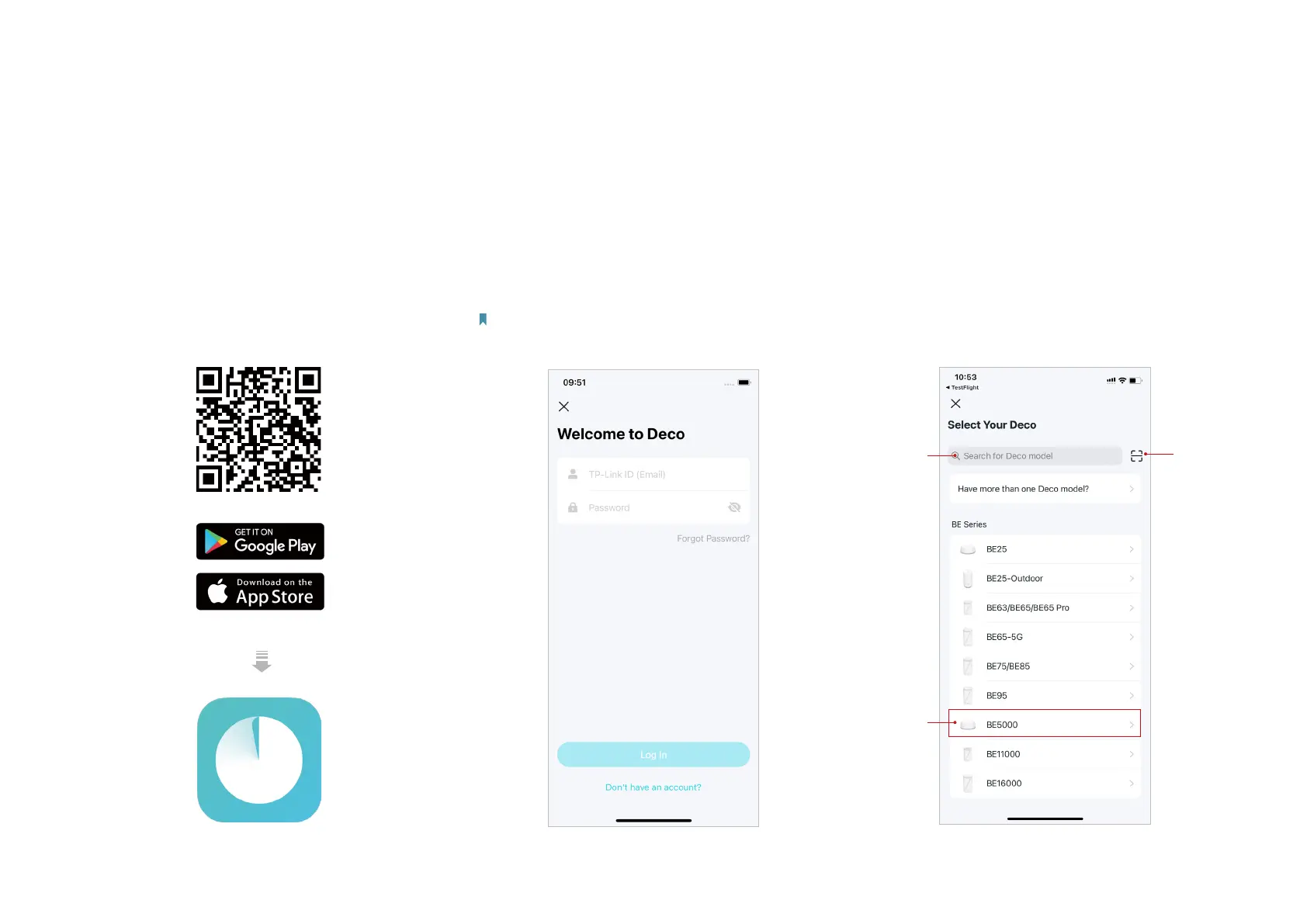
First let's start by setting up the Deco network. Get the TP-Link Deco app for iOS or Android, then follow the app to walk through the setup.
1. Get the Deco app
Scan the QR code below or go to Google
Play or the App Store to download the Deco
app. Install the app on your Android or iOS
smartphone or tablet.
or
2. Log in or sign up with TP-Link ID
Open the app and log in with your TP-Link ID. If
you don’t have a TP-Link ID, create one rst.
Note: If you forgot your login password, tap Forgot Password?.
The app will help you reset your password.
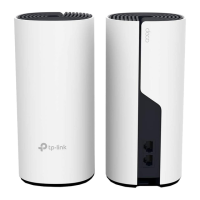
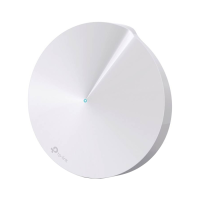
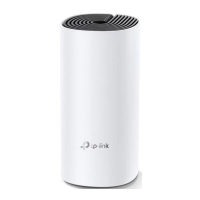
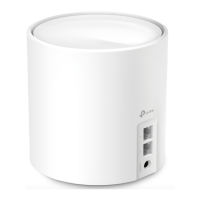
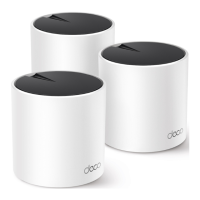
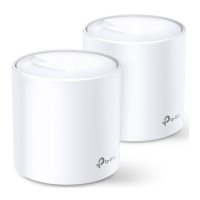
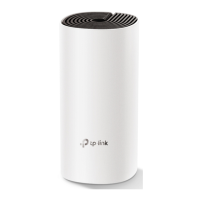
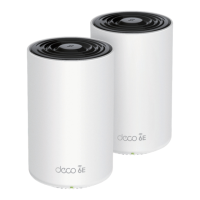
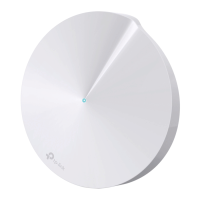
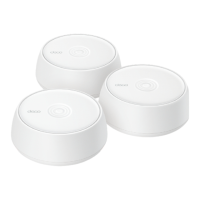
3. Select your Deco model
Select your Deco model in any of the following
ways. If you have more than one Deco model,
tap the question below the search box to
check how to maximize the overall network.
Search
Deco
model
Scan
Deco's
product
label
Select
Deco
model


 To Next Page