www.tp-link.com
User’s Manual Smart Wi-Fi Plug Mini
12
Maintaining the Smart Wi-Fi Plug Mini
Firmware Update
To keep the Smart Wi-Fi Plug Mini happy and up-to-date with all the latest improvement and xes, we
recommend that you update the rmware when updates are available.
Firmware Update
9:41 PM 100%
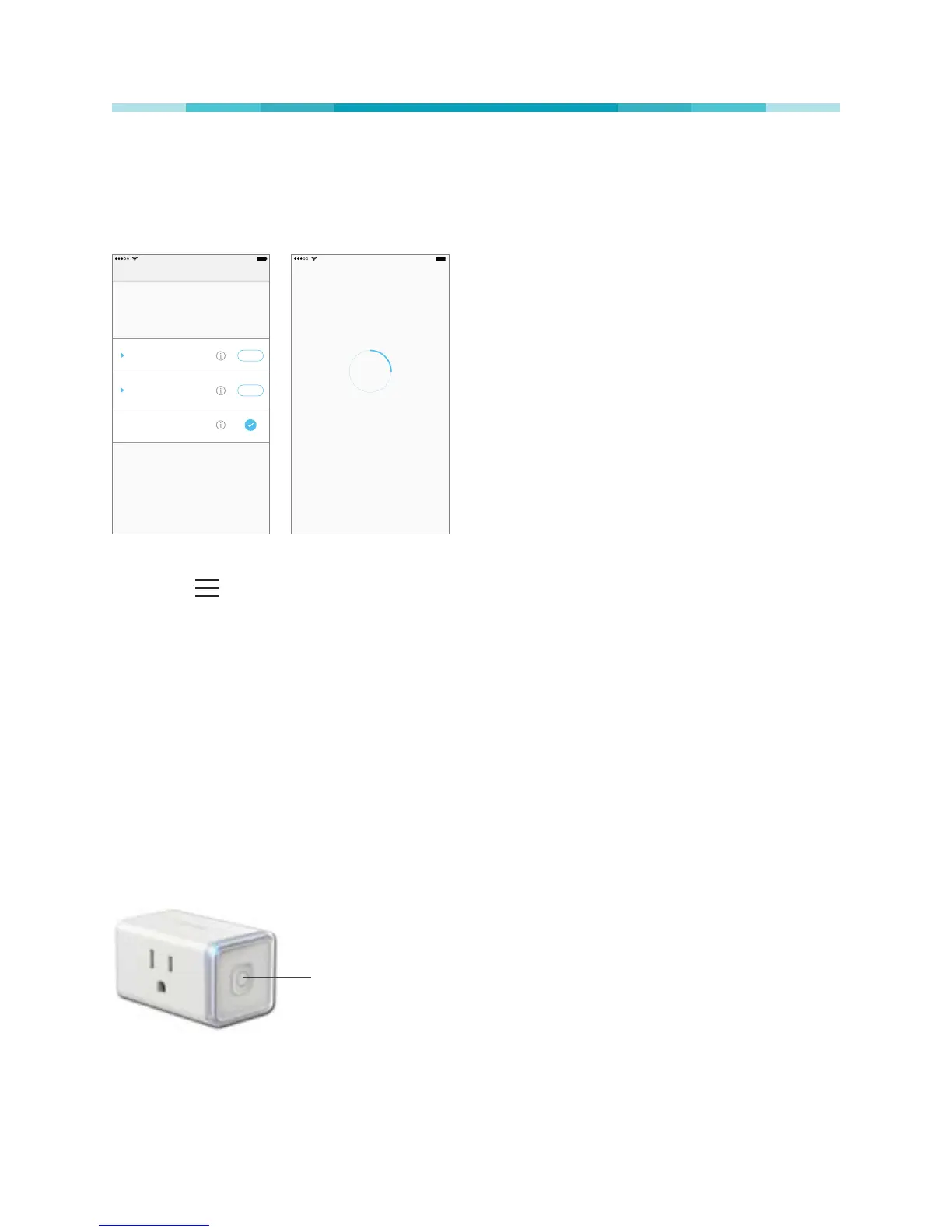
New Updates Available
Smart Plugs
Latest Version: 1.2.0
UPDATE
We found available rmware updates for your
reachable devices.
4 Available Updates
Smart Bulb HS100
Latest Version: 1.2.0
UPDATE
2 Available Updates
Smart Bulb HS120
Latest Version: 1.2.0
0 Available Updates
9:41 PM 100%
Updating rmware
Please do not unplug your devices during
the update.
25%
This process may take a few minutes.
1. Launch Kasa.
2. Tap the (navigation drawer) and then Settings.
3. Tap Firmware Update.
4. Within the Firmware Update screen, tap Update.
Remember: Only the Smart Wi-Fi Plug Mini that is currently reachable and has an available update
will be shown in the Firmware Update screen.
It is important to leave the Kasa app running while it nishes updating the Smart Wi-Fi Plug Mini. Try not
to minimize the app, close the app, or interrupt the update to prevent problems.
Resetting
Resetting the Smart Wi-Fi Plug Mini can help you troubleshoot any issues that you may have. Please
keep in mind that factory resetting a device will erase all of your custom settings and restore them to
factory default settings.
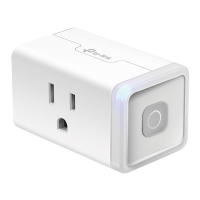
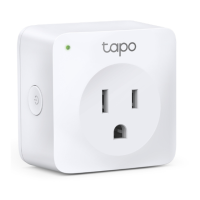
ON/OFF Button
The ON/OFF button located on the right side of the Smart Wi-Fi Plug Mini has two functions:
• Press and hold (about 5 seconds) until the LED blinks amber and blue alternately to only reset the
network settings without losing your current conguration and initiate the app conguring (SoftAP)
process.




 To Next Page