8
Change Camera Settings
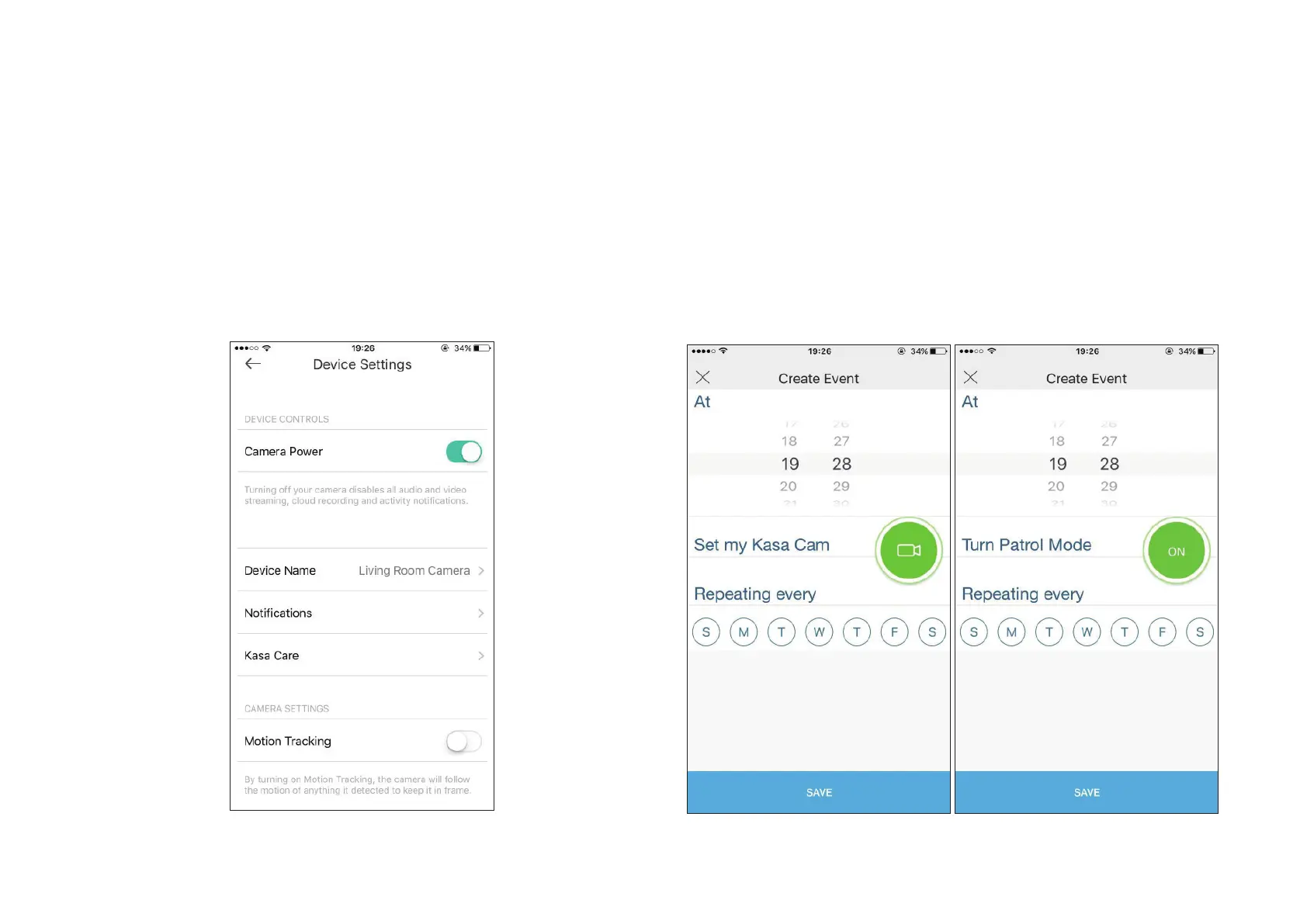
Change the settings of your camera to meet various needs, such as
change your camera name, set activity notifications, enable Motion
Tracking function, and customize Patrol Mode.
.
Set Schedules
Create schedules to automatically turn alerts, activity clips and camera
privacy on and o, or customize when to turn Patrol Mode on and o.



 To Next Page