8www.tp-link.com
User’s Manual Smart Wi-Fi LED Bulbs
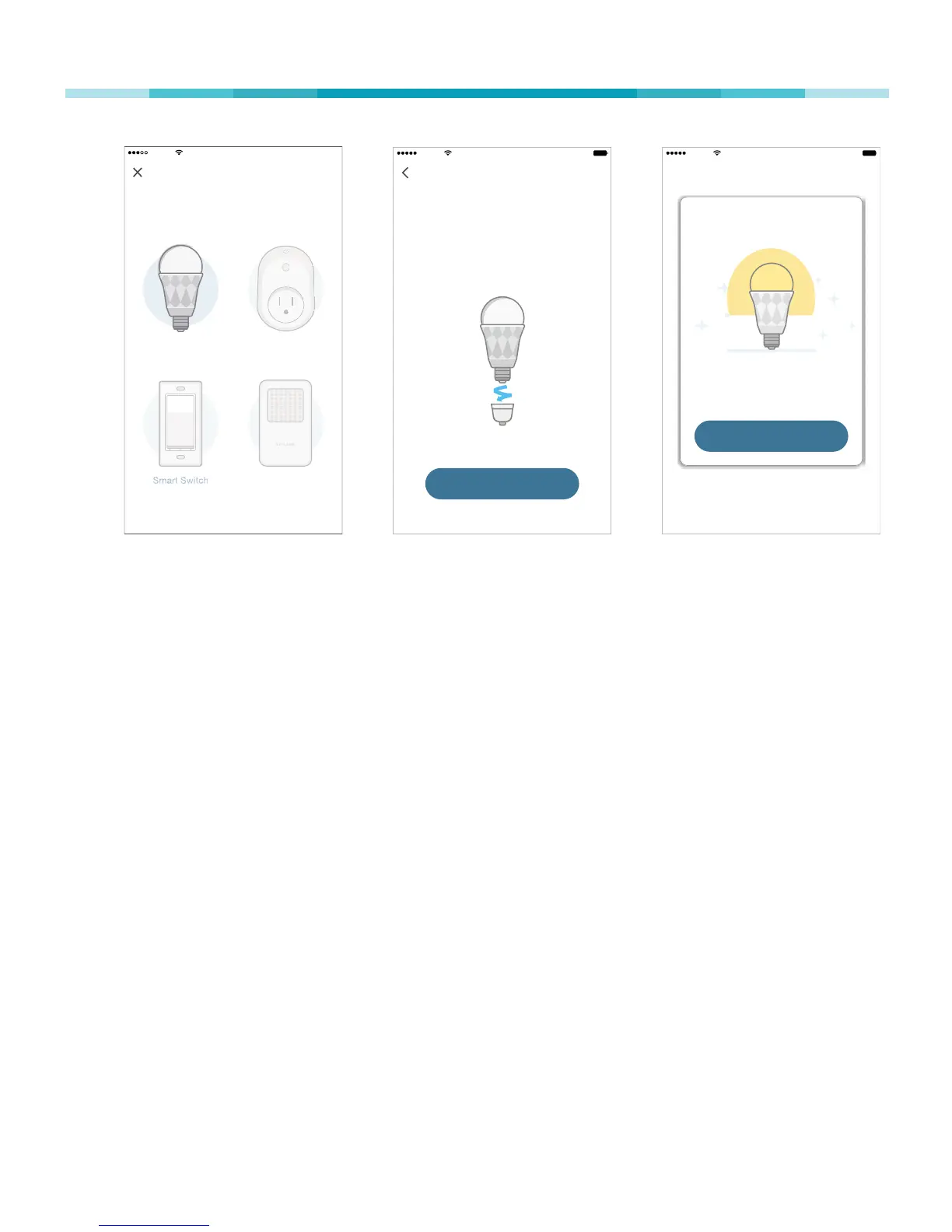
Sketch 9:41 AM 100%
DONE
Great!
Your Smart Bulb is all set up. It is
now saved in your Device List .
Sketch 9:41 AM 100%
Install your Smart Bul b
First, make sure the power is off on
the light you’re replacing. Swap the
current bulb with your Smart Bulb .
NEXT
Add Device
Sketch 9:41 AM 100%


 To Next Page