© 2017 TP-Link 7106507859 REV4.0.0
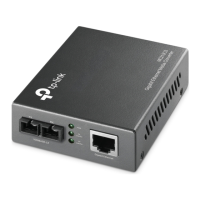
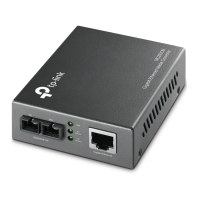
Gigabit Ethernet Media Converter
Note: MC220L needs to be plugged in with an SFP module to work normally. It is recommended to use a TP-Link SFP module on MC220L, because other vendors’
SFP modules may be incompatible.
LC-SC Fiber Cable
Package Contents: Media Converter, Power Adapter, User Guide
Scenario 1: Connect Devices with and without Optical Interfaces
Ethernet device
with optical interfaces
Media Converter
1000Base-X interface
Ethernet device
without optical interfaces
1000Base-T interface
Twisted-Pair Cable
Note:
1. Either two MC200CMs or two MC210CSs can work cooperatively. Two MC220Ls with the same SFP module can work cooperatively.
2. The MC220L can also cooperate with an MC200CM or an MC210CS, however, the mode and wavelength of the SFP module used in MC220L must be the same
as the opposite end.
3. Connect the TX port of one converter to the RX port of the other using a ber cable.
Scenario 2: Connect Devices without Optical Interfaces
Fiber CableTwisted-Pair Cable Twisted-Pair Cable
Ethernet device
without optical interfaces
Media Converter Media Converter
Ethernet device
without optical interfaces
1000Base-T interface1000Base-T interface
Enlarge Your Ethernet Network
For technical support and other information, please visit
http://www.tp-link.com/support, or simply scan the QR code.
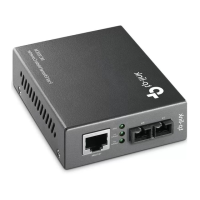
MC200CM/ MC210CS/ MC220L
Note: MC200CM is used as an example throughout this guide. Other models may dier in appearance.


 To Next Page
 Need help?
 General