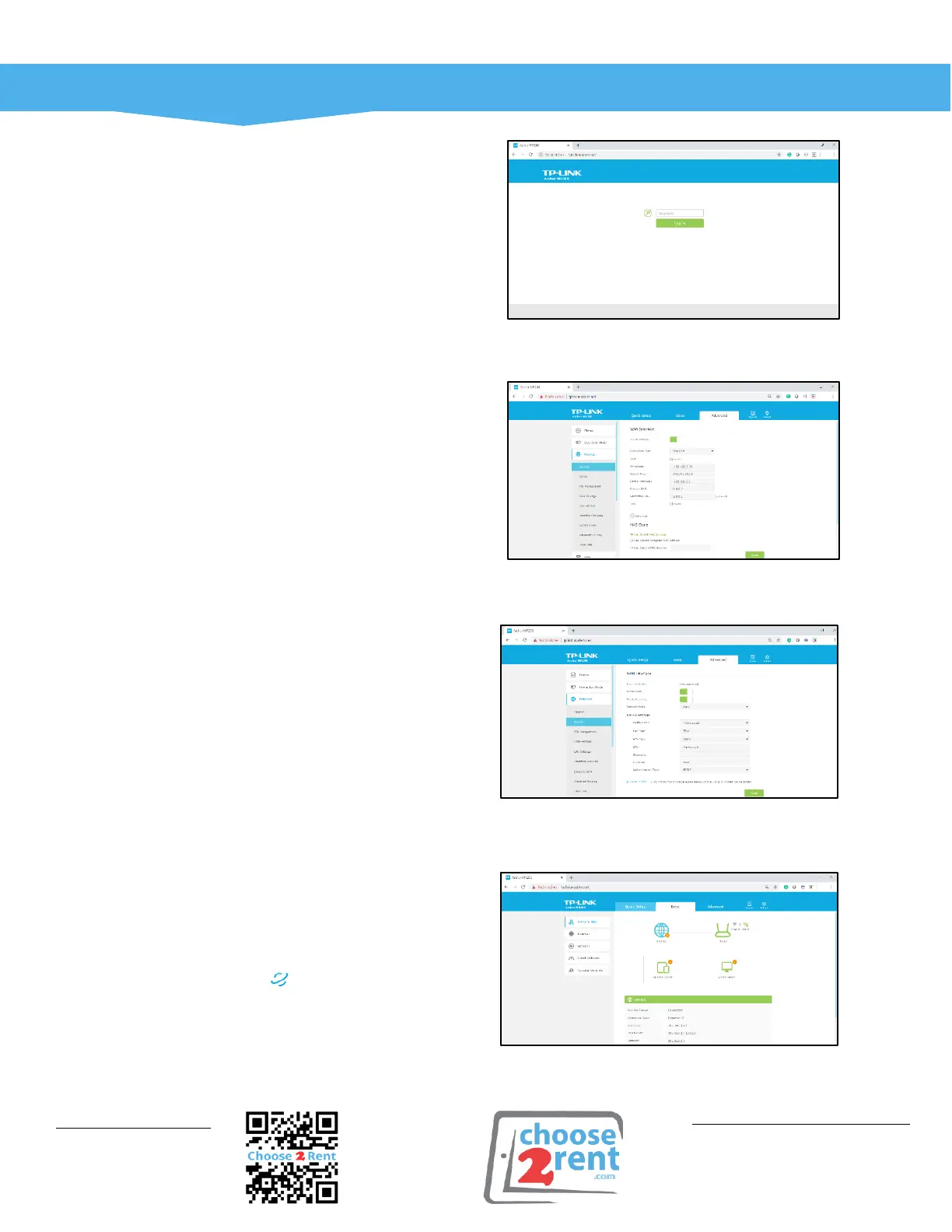
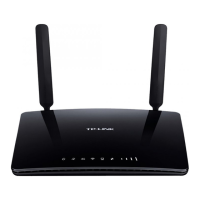
How to login to the router?
1. Connect your tablet to the router WiFi.
If your router has been reset use default
SSID and password from the bottom of
the router.
2. Then open the Safari browser and type
‘tplinkmodem.net' or the IP
192.168.0.1.
3. Type in ‘admin’ as password.
How to enter a static IP address when
using a static hardline from the venue?
1. Go to ‘Advanced’ over the top
navigation.
2. Then open Network/Internet and
change the connection type to ‘Static IP’.
3. Enter the static IP information here e.g.
IP address, then press ‘Save’.
How to setup a SIM card profile?
Important: Only 4G/LTE SIM cards will work with
this router.
1. Activate and register your new SIM card
on your providers website. If you need
to see an SMS, this can be read under
SMS in Advanced Mode.
2. Go to Network/Internet in Advanced
Mode and enter the dial up settings
from your SIM card provider.
For most providers you can google this
information e.g. ‘dial-up Vodafone UK’ or ‘O2 apn
setting UK’.
How do I confirm a working internet
connectivity?
1. The Internet LED on your router is
lighted up.
2. The Network Map in Basic Mode shows
a tick and the status is ‘connected’.
3. Your tablet opens web pages.




 To Previous Page