5
Chapter 1
Get to Know About Your Extender
1. 2. 1. LED Explanation
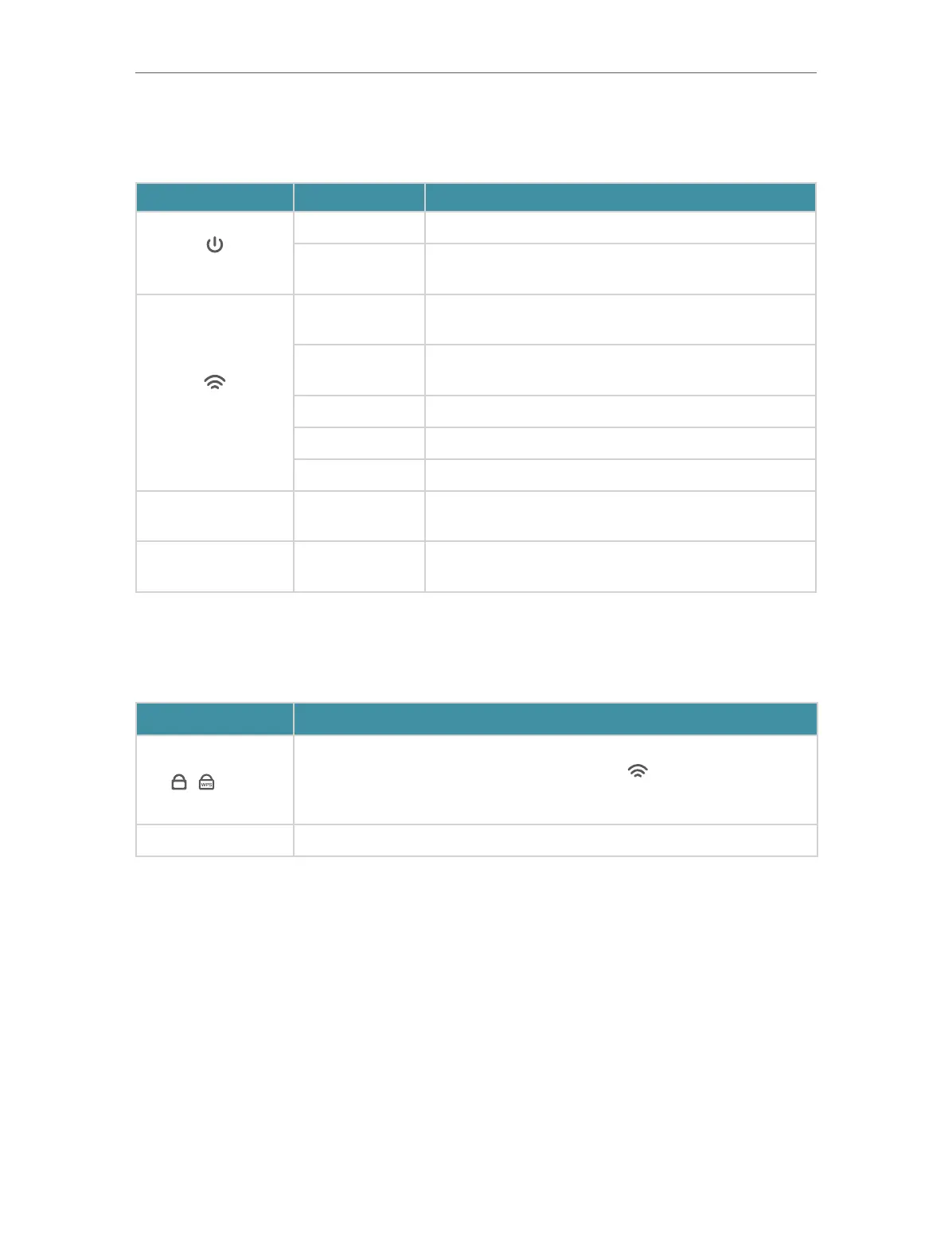
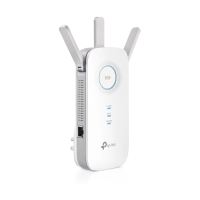
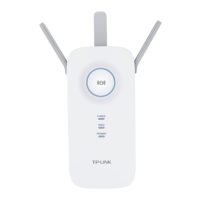
You can check the extender’s working status by following the LED Explanation table.
Name Status Indication
(Power)
On/Off The extender is on or off.
Blinking Fast
The system is starting up or firmware is being
upgraded.
(Signal)
Solid blue
The extender is connected to your router’s wireless
network and is in a suitable location.
Solid red
The extender is receiving a weak signal. Try
relocating it closer to your router.
Blinking Slowly WPS connection is in progress.
Blinking Fast WPS connection failed.
Off No wireless connection is established.
2.4G On/Off
The extender is connected or not connected to the
2.4GHz wireless network of your router.
5G On/Off
The extender is connected or not connected to the
5GHz wireless network of your router.
1. 2. 2. Button Description
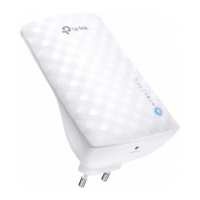
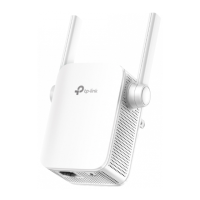
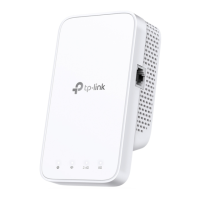
The buttons are on the side panel of the product.
Button Description
/ / WPS
Press the WPS button on your router, and immediately press this
button on the extender for 1 second. The
LED of the extender
should change from blinking to solid on, indicating successful WPS
connection.
RESET Use a pin to press the button for 1 second to reset the extender.


 To Next Page