3
microSD
5
6
2
4
1
8
12
3
4
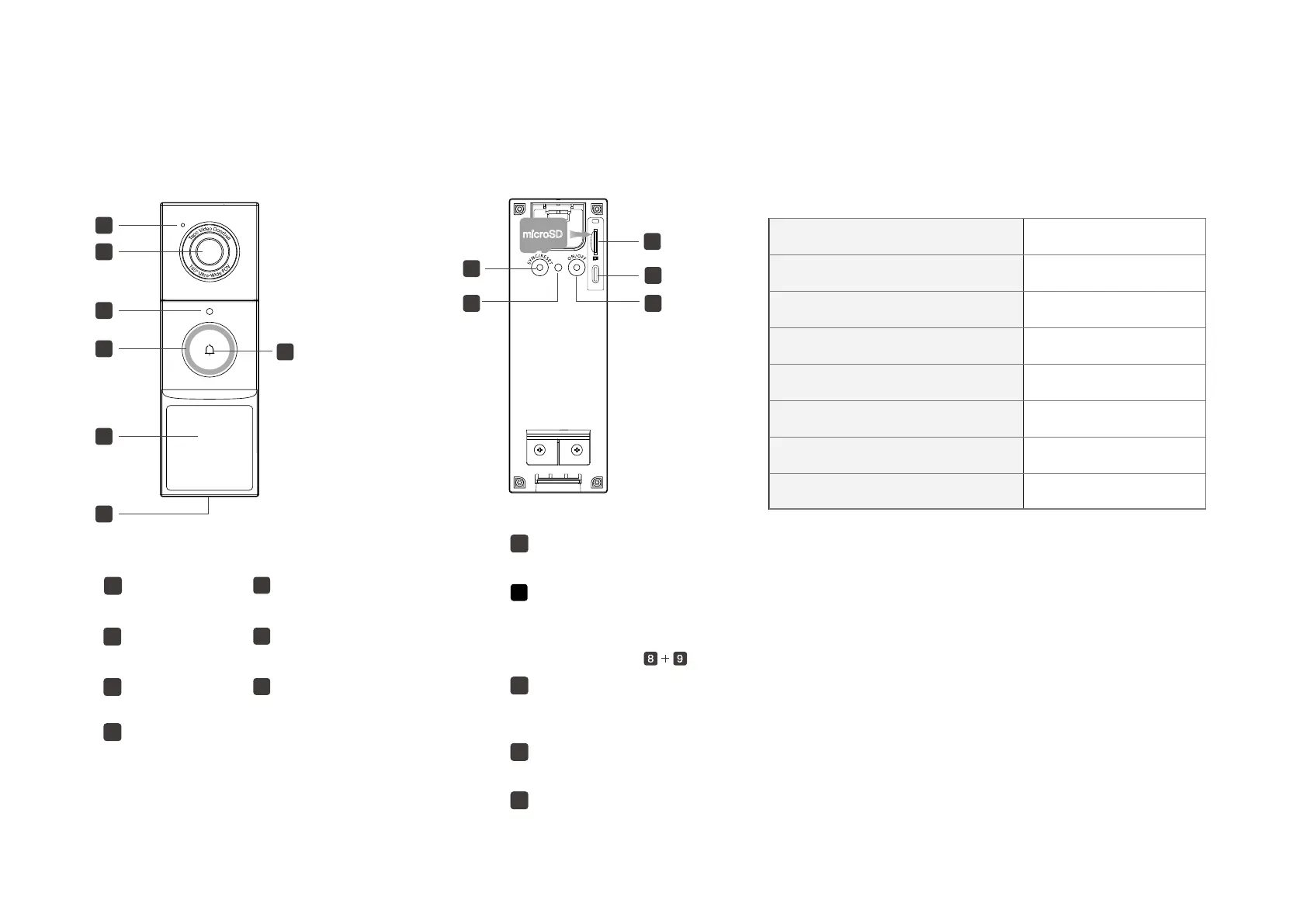
LED
2 Lens
Light Sensor
3
1 Microphone
Motion Sensor (PIR)
5
Speaker
6
Ring Button
7
11
10
9
Press and hold for 5s: Reset to factory settings
SYNC/RESET Button
8
microSD Card Slot
10
Tear o the silicone cover and insert a microSD card. Initialize it on the Tapo app before use.
*microSD card not included
Type-C Port
11
Plug in the USB cable to charge your doorbell.
ON/OFF Button
12
Press and hold for 3 seconds to turn on/o the doorbell.
Status LED Indication
Doorbell updating
Doorbell resetting
Ready for setup
Connecting to Wi-Fi
Connected to the cloud
Blinking red and green
Solid red
Blinking white quickly
Blinking red quickly
Blinking red slowly
Solid white
Solid amber Connected to Wi-Fi
Starting up
Charging the doorbell
Blinking amber quickly for 3 seconds
7
Anti-Theft Button
9
• Press and hold for 5s: Pause the alarm (Continues to alarm when released)
• Press and hold simultaneously for 10s: Disable the anti-theft alarm feature
When the Anti-Theft Alarm is enabled on the Tapo app, an alarm will trigger once the doorbell is removed.
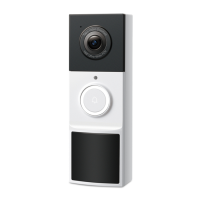
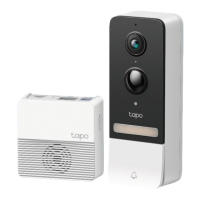
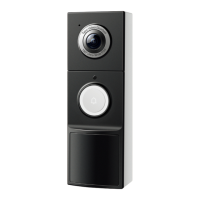
Doorbell Appearance


 To Next Page