5
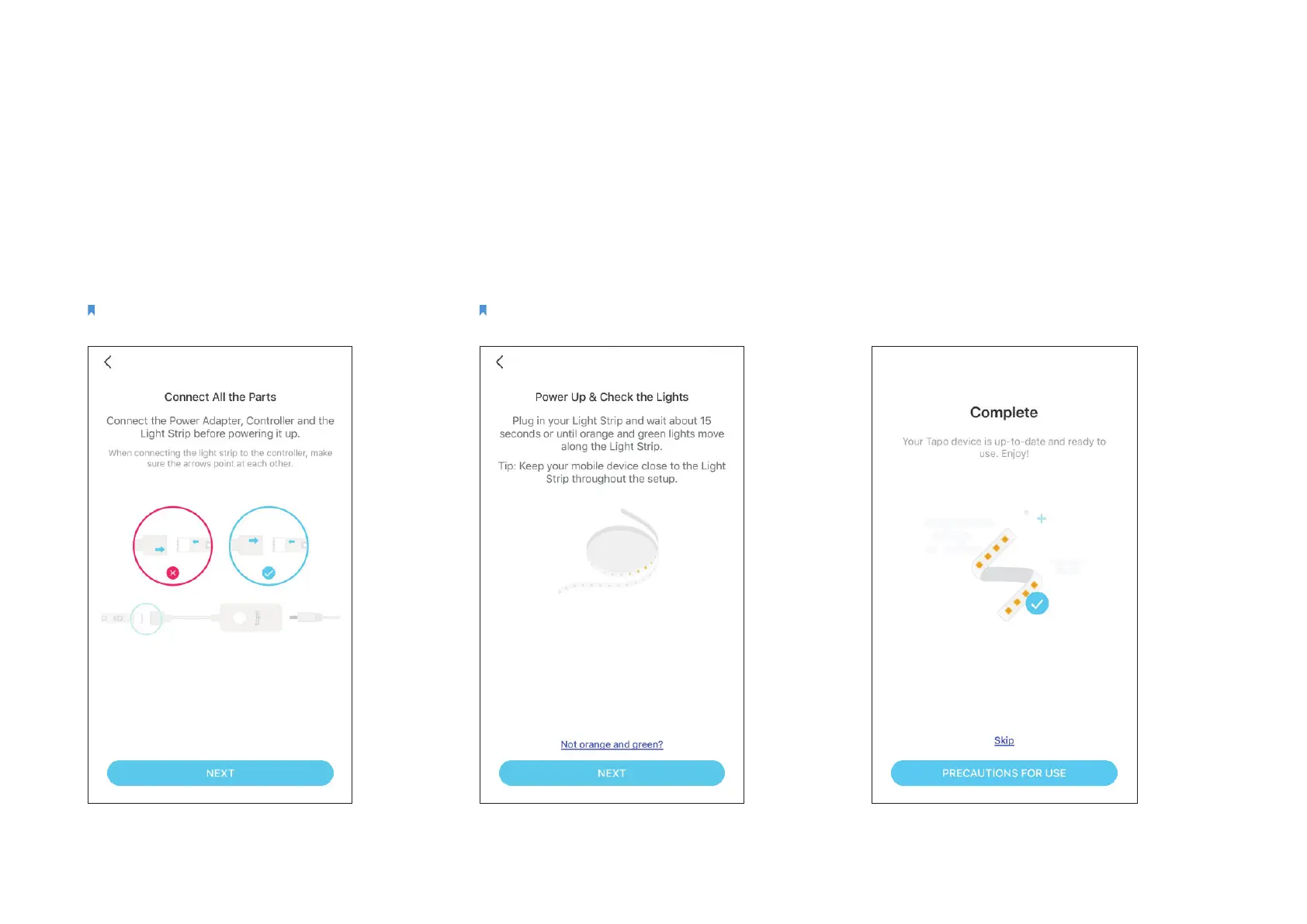
Step 4. Connect All Parts
Connect the Power Adapter, Controller, and
the Light Strip before powering it up.
Note: Make sure the arrows on the light strip and the controller
point at each other. Otherwise, it will not be powered on.
Step 5. Power Up Light Strip
Plug in the power adapter and check the
lights.
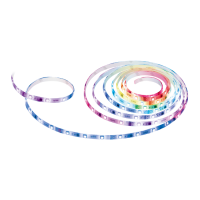
Note: Do not roll up when using. Spread out the light strip
before connecting the power supply.
Step 6. Join Your Home Wi-Fi
Follow app instructions to add your light strip
to your home network.


 To Next Page