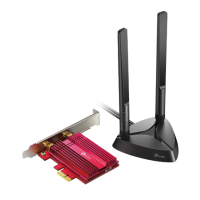
TF-3239DL 10/100Mbps PCI Network Adapter
12
2.2.2 For Windows 7
1. Insert the TP-LINK Resource CD into the CD-ROM drive.
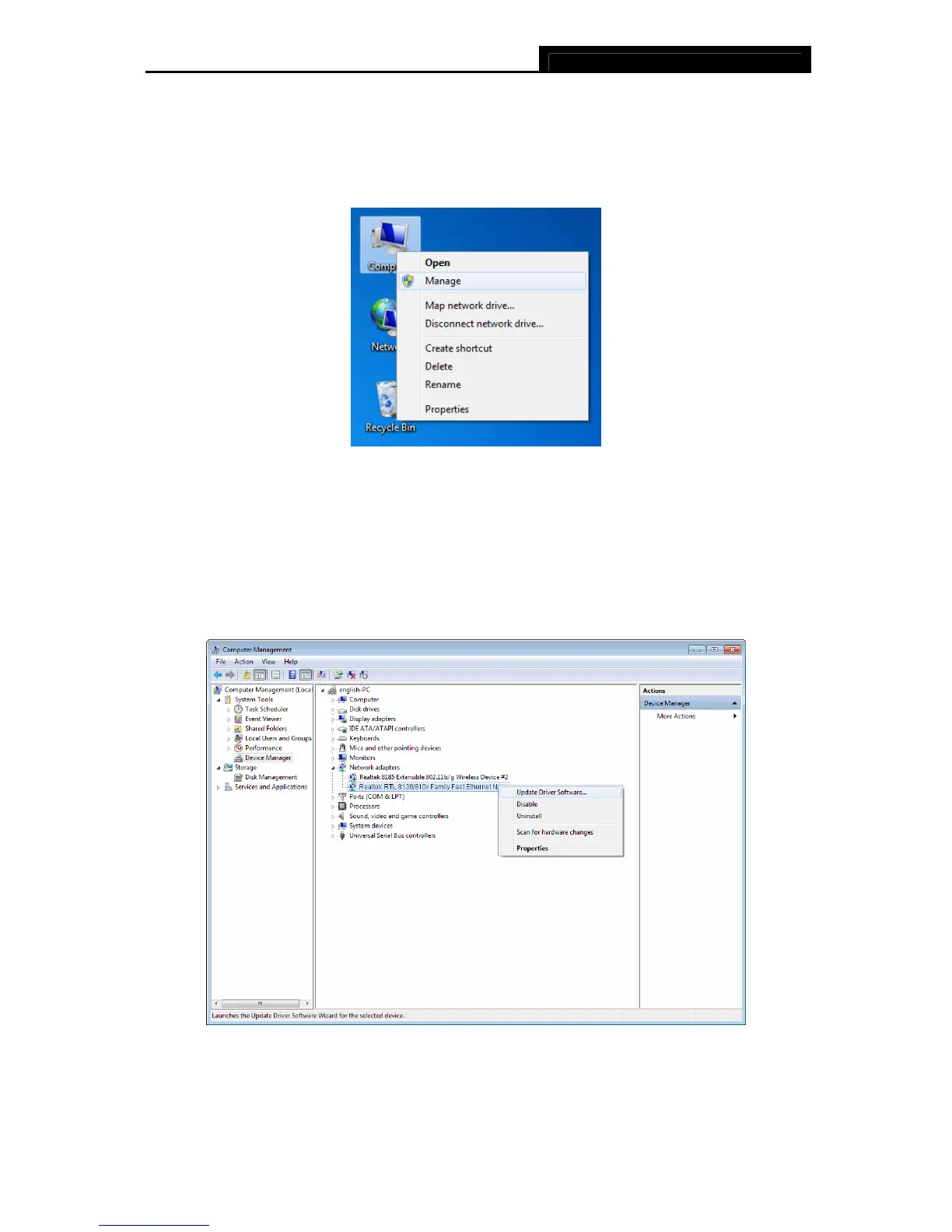
2. Right-click the icon Computer on the desktop, and then click Manage.
Figure 2-15
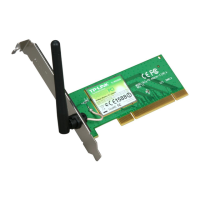
3. The Computer Management screen will appear as shown in Figure 2-16. Click Device
Manager, and then you will see the various options on the right. Click Network adapters,
and then from the drop-down list please find the new network adapter Realtek RTL
8139/810x Family Fast Ethernet NIC you have installed. Right-click it, and then select
Update Driver Software….
Figure 2-16


 To Next Page