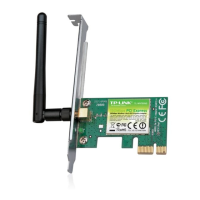
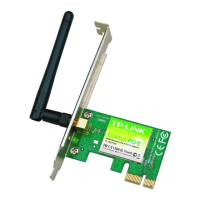
TL-WN781ND 150Mbps Wireless N PCI Express Adapter User Guide
36
Chapter 6 Uninstall Software
6.1 In Windows XP/Vista/7
The software uninstall steps are similar in Windows XP, Windows Vista, and Windows 7, here
we just take Windows 7 for example.
6.1.1 Uninstall the utility software from your PC
1. On the Windows taskbar, click the Start button, click All programsÆTP-LINK, and then
click Uninstall-TP-LINK Wireless Configuration Utility.
Figure 6-1 Uninstall Utility
2. Click Yes to start uninstalling the utility software from your PC.
Figure 6-2
3. It may take a few minutes to undergo the whole un-installation process.



 To Next Page


