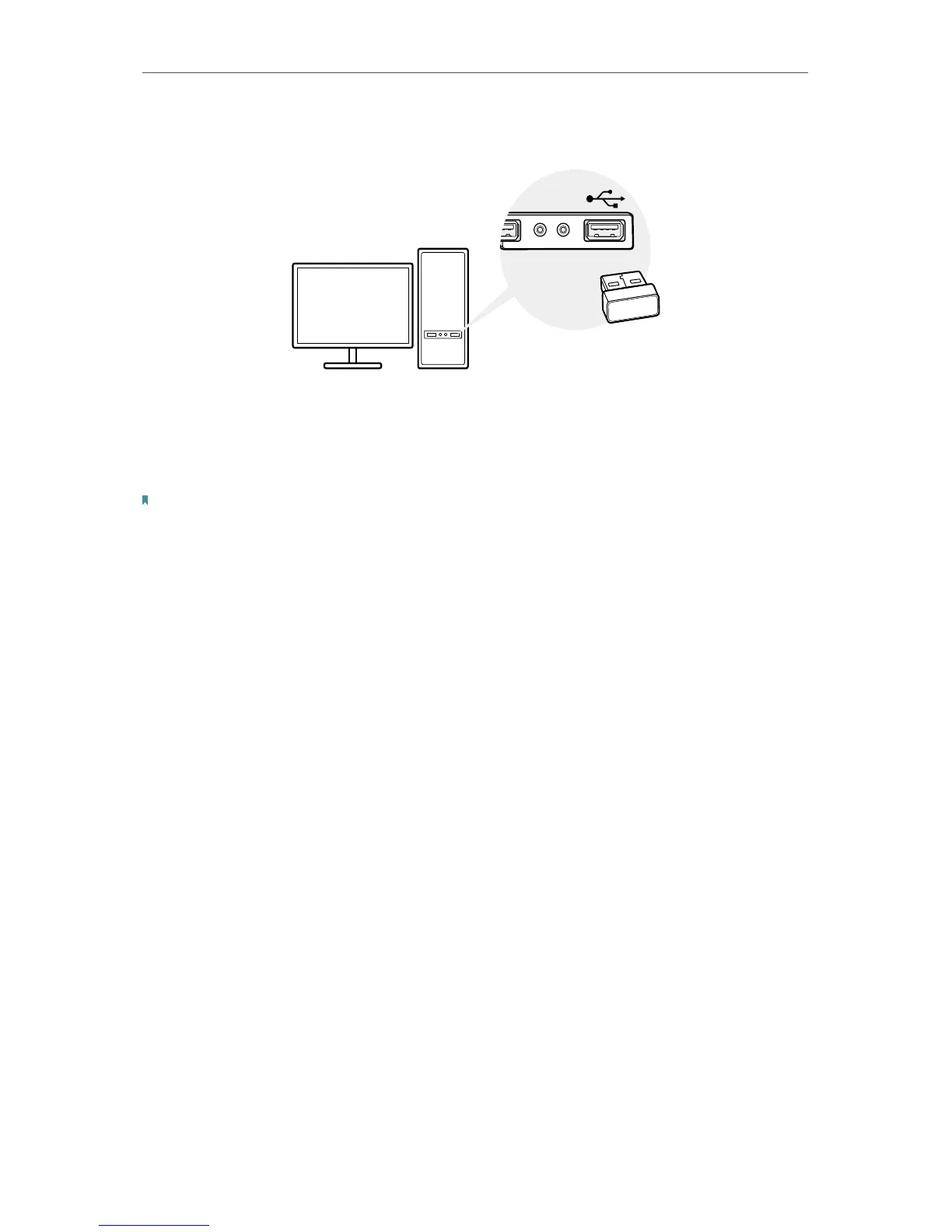
Connect to a Computer
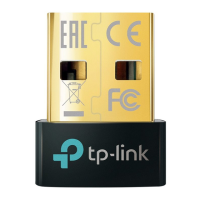
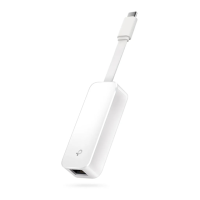
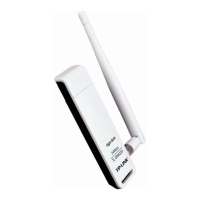
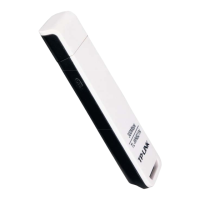
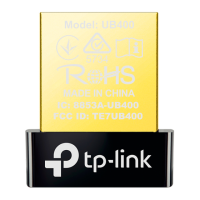
Before you start using your adapter, insert the adapter into a USB port on your
computer directly.
* The image is for demonstration only.
After connecting your adapter to the computer, please follow the instructions in the
appropriate chapter for your operating system: Windows XP/7, Windows 8/8.1/10.
Note:
Make sure there are no other Bluetooth devices on the PC. If there are other Bluetooth devices, disable all Bluetooth
devices (both built-in and third party) in Device Manager on your computer, then insert the adapter and try again.
To go to Device Manager: Right-click My Computer, select Manage, go to Device Manager and disable all existing
Bluetooth devices.






 To Next Page