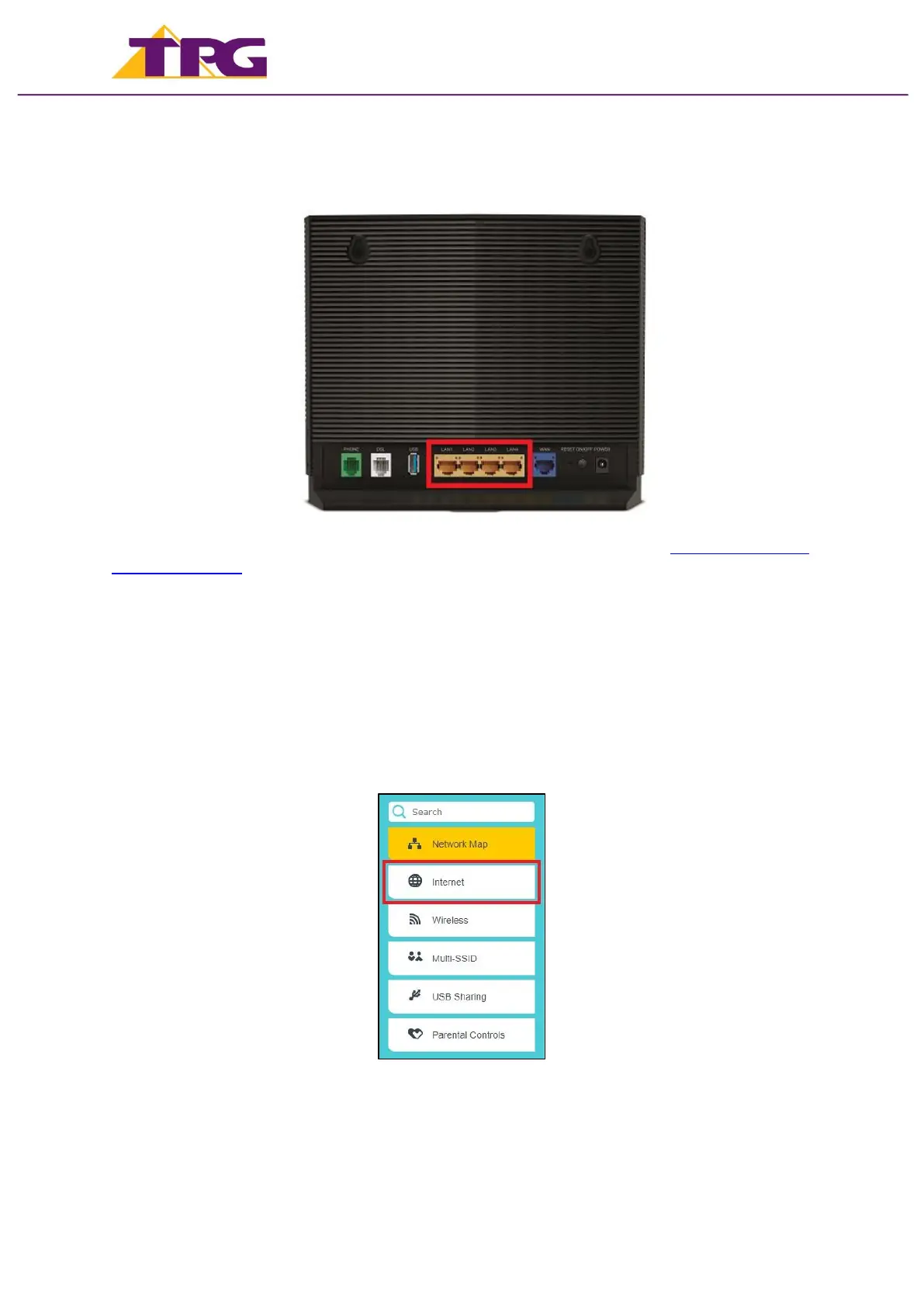
4. You can connect devices such as PC desktops, laptops or gaming consoles by plugging
Ethernet cables from the devices to any of the yellow LAN ports, or you can connect
devices via WiFi.
For further information, please see the wiring diagram and instructions for NBN Fibre To The
Premises (FTTP).
Configuring Modem
1. Go to http://192.168.1.1 in your browser.
2. Log in with your TP-Link modem password.
By default, the password is admin.
3. On the home screen, click Internet on the menu.


 To Next Page