Hygiene Equipment
Designed for People
6
Initialization/Calibration
TR 1000 from October 1, 2014.
An initialization/calibration shall be performed on the lifting columns:
- Before first use
- Maintenance
- After replacement of lifting column/columns.
- After replacement of the tilt actuator.
Before starting the initialization/calibration process, make sure that the Emergency button are released and
not activated.
Initialization/Calibration:
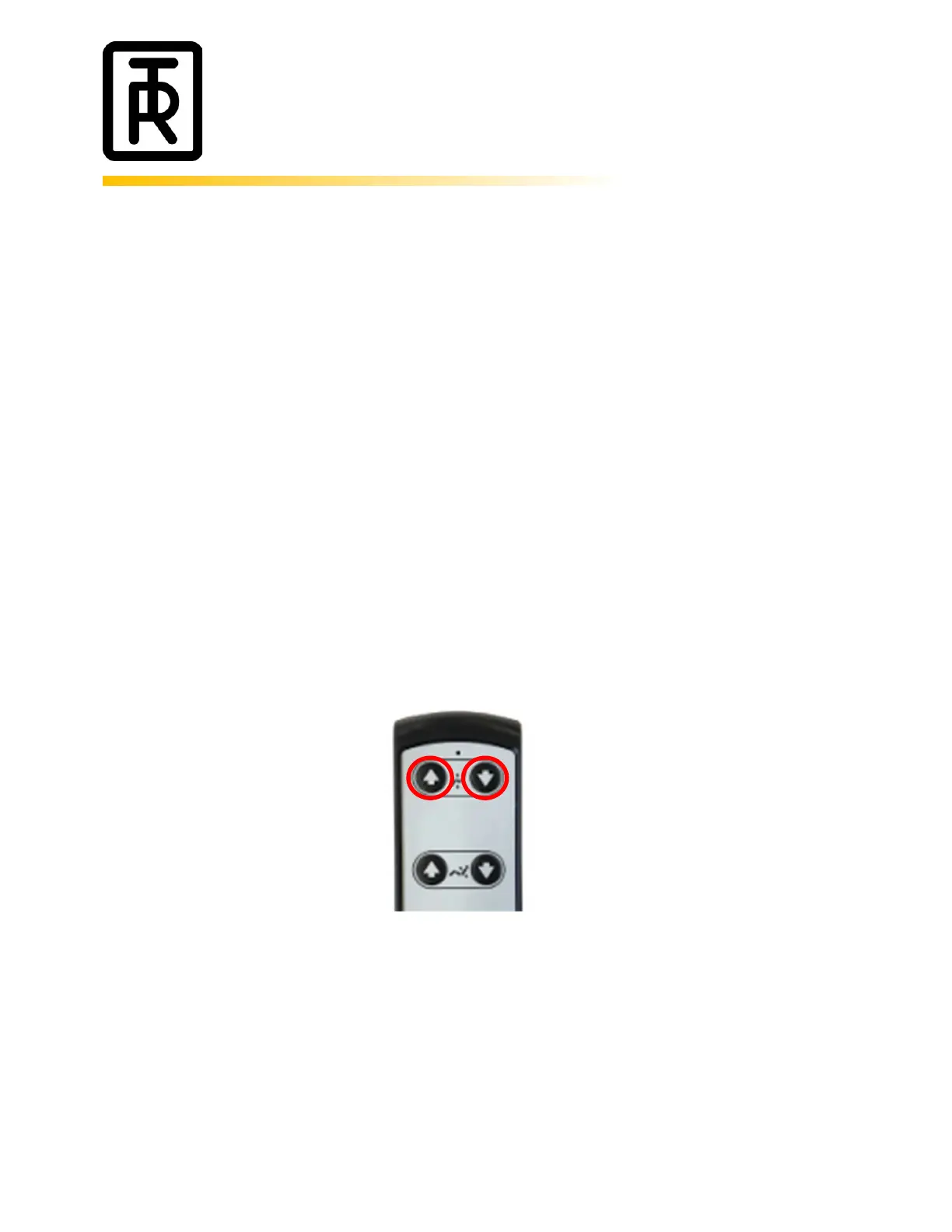
- If the TR1000 is in the lowest position raise the chair by pressing the UP button on the hand control.
- Press the UP and the DOWN button on the hand control simultaneously. Keep the buttons pressed.
- After 8-10 seconds the lifting columns will start to lower the chair and the chair will be tilted
backwards. Keep the buttons pressed during the whole process.
- When the TR1000 is in the lowest position and the chair is fully tilted backwards the
initialization/calibration is finished and the TR1000 is ready to be used.


 To Next Page