Need help?
Do you have a question about the Tracer Zonda and is the answer not in the manual?
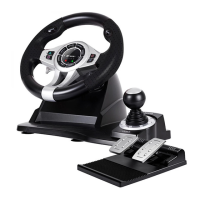
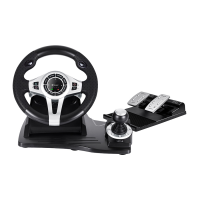
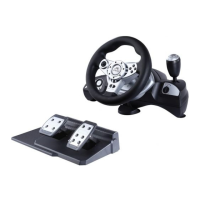
Welcomes the user and introduces the Tracer Zonda racing wheel for PS3/PS2/PC.
Lists 13 key features of the Tracer Zonda steering wheel, including compatibility, controls, and design.
Details the steering wheel's rotation angle, buttons, D-Pad, mini analog stick, and auto-centering function.
Explains the analog acceleration and braking pedals and their configuration for different consoles.
Provides a comprehensive table mapping wheel controls to PS2, PS3, and PC functions.
Describes how to connect the foot pedal unit to the steering wheel unit for a realistic driving experience.
Details connecting the steering wheel to PS3/PS2 consoles and PC-USB ports.
Lists the hardware and software specifications needed for PC-USB connection, including OS and memory.
Provides important warnings about handling, environment, and maintenance of the steering wheel to prevent damage.
 General
| Type | Gamepad |
|---|---|
| Connectivity | Wired |
| Interface | USB |
| Vibration | Yes |
| Number of Buttons | 12 |
| Analog Sticks | 2 |
| Ergonomic Design | Yes |
| Compatibility | PC |
| Supported Platform | PC |
| Vibration Feedback | Dual vibration motors |
| Buttons | D-pad, A, B, X, Y, LB, RB, LT, RT, START, SELECT, HOME |
| Dimensions | 160mm x 105mm x 65mm |

 To Next Page