2 / 44 3 / 44
QUICKSTART
ENGLISH
User Manual
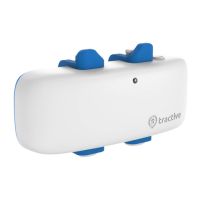
www.tractive.com/activate
Download Tractive® GPS app
FUNCTIONS AND USE
In order to locate your pet with Tractive
®
GPS 2, a PC with internet connection or a
smartphone (iPhone, Android, Windows Phone) is required. The Tractive
®
GPS app can
be downloaded from the Apple App Store for iOS, the Google Play Store for Android and
the Microsoft Store for Windows Phone.
The Tractive
®
GPS 2 device can only be used after successful activation on your
smartphone or through a web browser.
GETTING STARTED
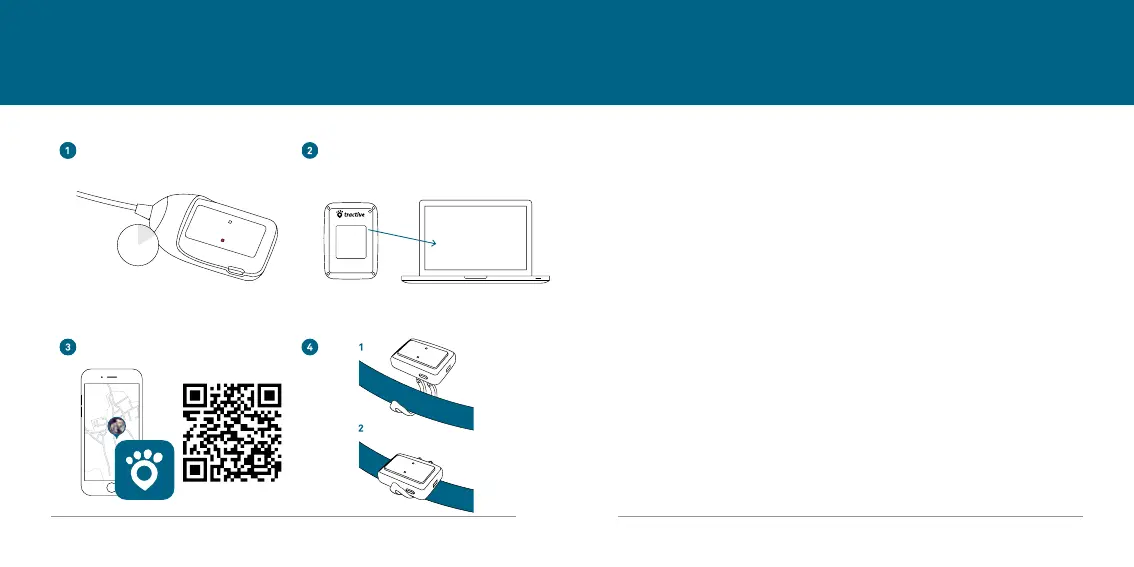
1. CHARGING THE DEVICE
We recommend to fully charge the Tractive
®
GPS 2 device before its rst use.
• Connect Tractive
®
GPS 2 to a power outlet by plugging the included USB charger into
a universal USB power adapter or
• connect to a high-power USB 2.0 port using the included USB charger.
The LED on the Tractive
®
GPS 2 device will turn red while the device is charging. Once
the device is fully charged, the red light will disappear.
Some USB ports and accessories do not provide enough power and Tractive
®
GPS 2
will charge more slowly.
2h
TRACKER ID
ABCDEFGH
abcdefgh


 To Next Page