2
3
4
ABCDEFGHABCDEF
Turn on the Tractive
GPS tracker
Download the
Tractive GPS app
Activate your
Tractive GPS tracker
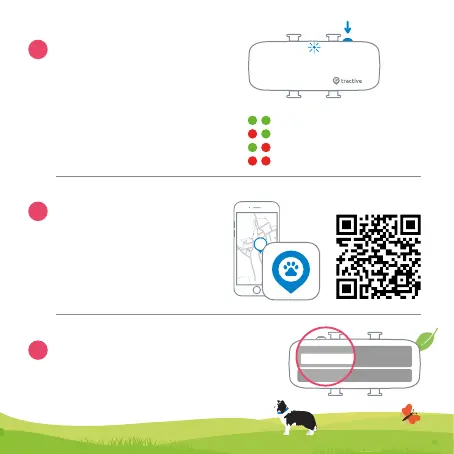
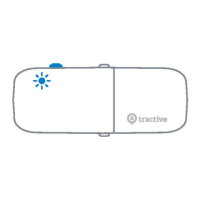
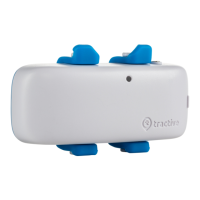
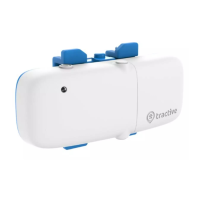
The power button on the side is used to
turn the tracker on and off and to check
its LED status.
ON/OFF: Press button for 3 seconds .
LED Status: Press button for 1 second.
LED blinks twice.*
Download the Tractive GPS app
from the Apple App Store or the
Google Play Store. You can also
visit my.tractive.com to track
your pet.
Follow the instructions in the Tractive GPS app
or at my.tractive.com to activate your tracker.
The 8-character Tracker ID can be found on the
back of your tracker.
Network connected - GPS available
No network - GPS available
Network connected - no GPS
No network - no GPS
*


 To Next Page