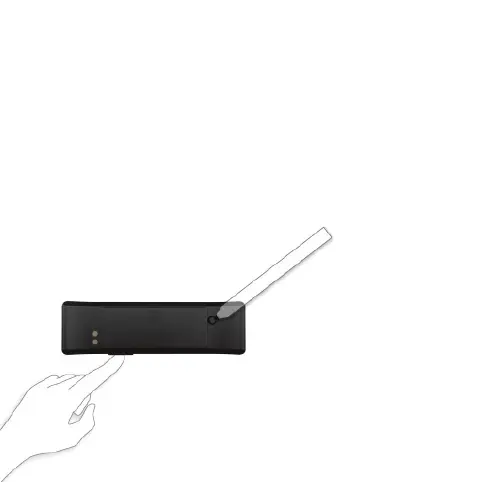
1) press and hold the main button
2) press the reset button briefly
Reset Tractive MOTION
In case you want to pair your Tractive MOTION with a different
pet, a reset is recommended.
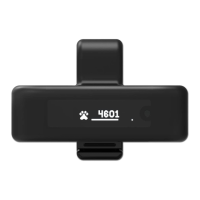
1) Press and hold the main button of your Tractive MOTION
device.
2) Briefly push the reset button on the back of the device with
a pen tip.
3) Once the display turns off, release the main button.


 To Next Page