Need help?
Do you have a question about the Tractive MOTION and is the answer not in the manual?
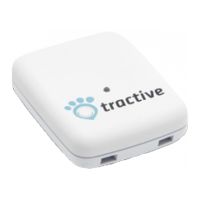
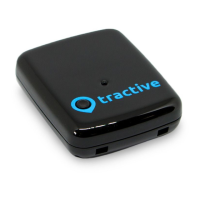
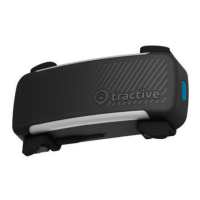
Tracks pet activity 24/7, providing data and statistics via smartphone apps for iPhone, Android, and Windows Phone.
Pet Points represent daily activity and count towards a set goal, encouraging pets to be more active.
Use the included USB cable to charge the device via PC or wall charger until the battery icon is full.
Download the free app from the Apple App Store, Google Play Store, or Windows Phone Store.
Enable Bluetooth, turn on the device, and follow app instructions for automatic pairing and data synchronization.
Press and hold the main button, then briefly push the reset button on the back until the display turns off.
Details EMC Directive conformity and FCC compliance statement for the Tractive MOTION device.
Provides measures to correct interference and offers contact information for questions or problems.
 General
| Brand | Tractive |
|---|---|
| Model | MOTION |
| Category | Pet Care Product |
| Language | English |

 To Next Page