(3) Pair & Sync
1) Make sure Bluetooth is enabled on your mobile phone.
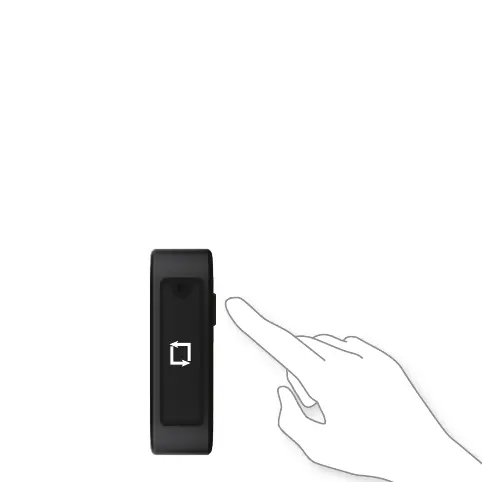
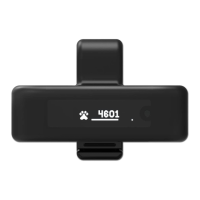
2) Turn on Tractive MOTION by pressing the hardware button
for 3 seconds.
3) Open the Tractive MOTION app and follow the instructions
to add a new pet.
4) Your phone will automatically pair with your device.
Whenever your phone is close to Tractive MOTION your app will
automatically sync the collected data.
Tractive MOTION has enough
memory to store 7 days
worth of activity data.


 To Next Page