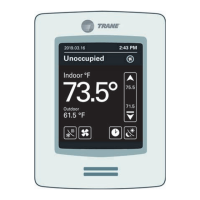
Off: System is off.
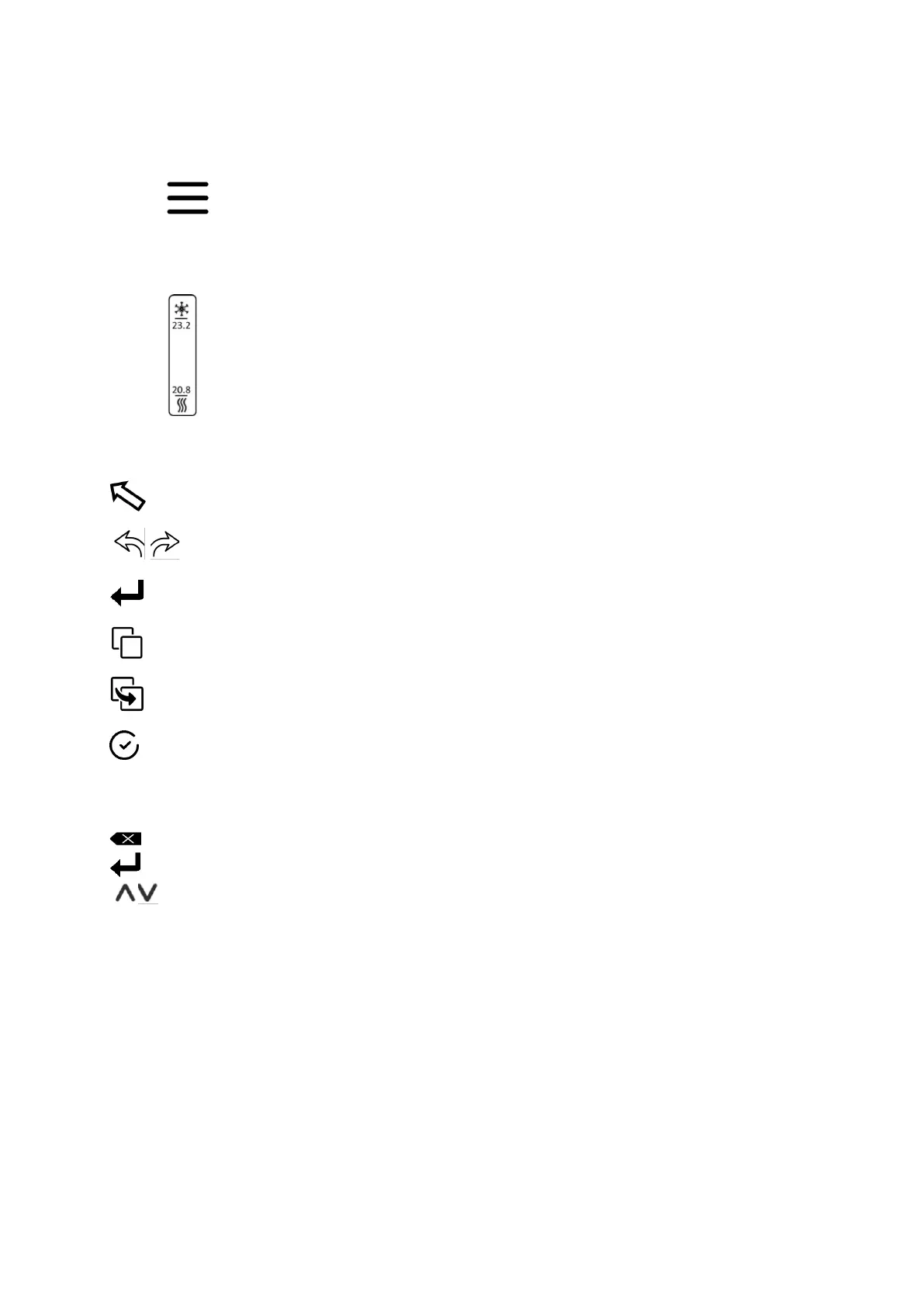
• Menu button
To advance to the menu.
• Cooling and heating setpoint
To change a setpoint in cooling or in heating mode by a touch on the value. It is available in
manual or in override control.
Other touch button
Return to previous page
Previous and next screen advancement
To advance to a day schedule.
To copy values in a schedule
To paste values in a schedule
To confirm a change.
Keyboard
Esc Escape key
Backspace key
Enter key (Confirmation)
Change setting values



 To Next Page