30
BOHA!
®
WORKSTATION NAME
In the event that more than one BOHA! Work Station is installed in a location, it will
be useful to assign a unique name to the device. These names will be displayed in
the BOHA! Ops application to simplify selection of a specific BOHA! Work Station
for printing.
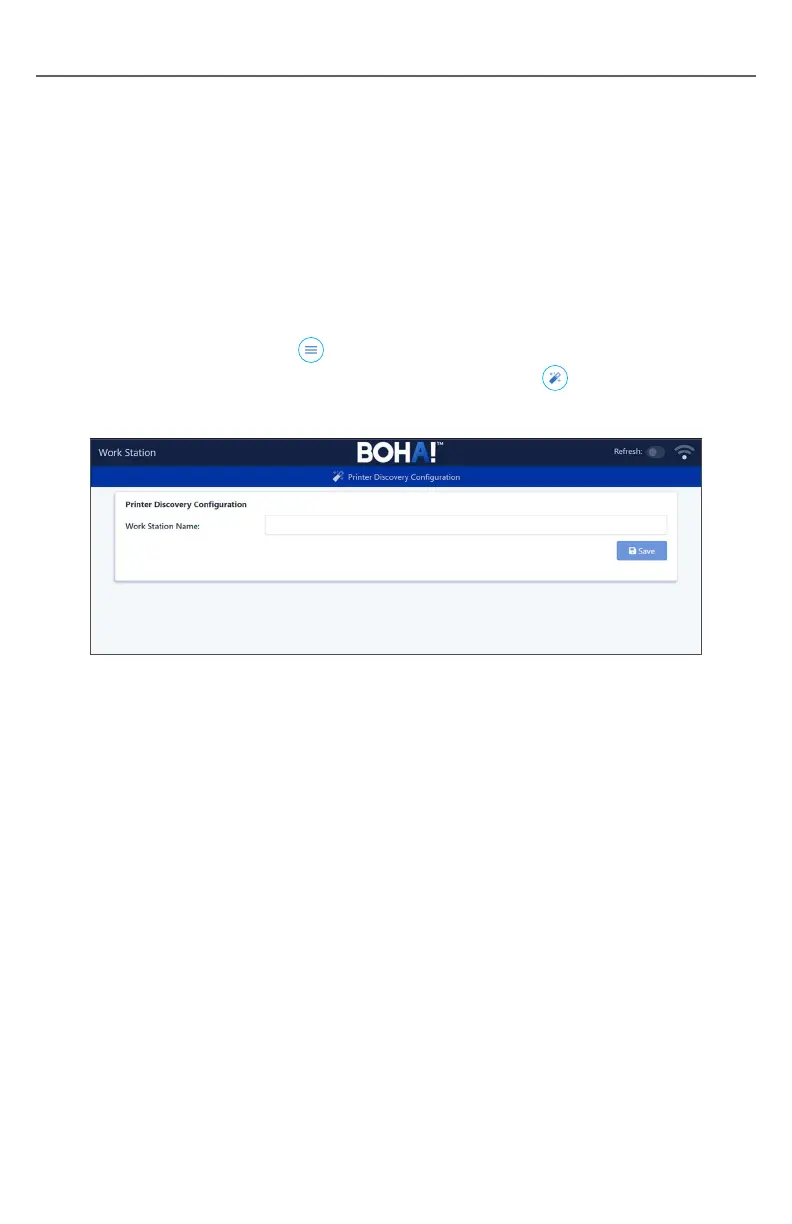
The BOHA! WorkStation name may be changed as follows:
1. Access the embedded web portal as described in Option 3 in
Network Connections.
2. Click on the “Menu” button
in the lower right corner of the screen
and select the Printer Discovery Configuration option.
3. Enter the desired BOHA! WorkStation name and click Save.
4. Close the browser.
5. Place your tablet or PC back on its original Wi-Fi network.


 To Next Page