5. Once the car engine is switched o
ff
, the DrivePro will automatically save the current recording and
power itself o
ff
.
2-5 Initial Pairing Setup
1. Connect the cameras to the power supply and turn them on.
2. On the rear camera, orange and blue lights will
fl
ash while pairing. An orange light will
fl
ash when
pairing is complete. Press
OK
on the front camera screen.
3. Accept the pairing by pressing
Con
fi
rm
.
4.
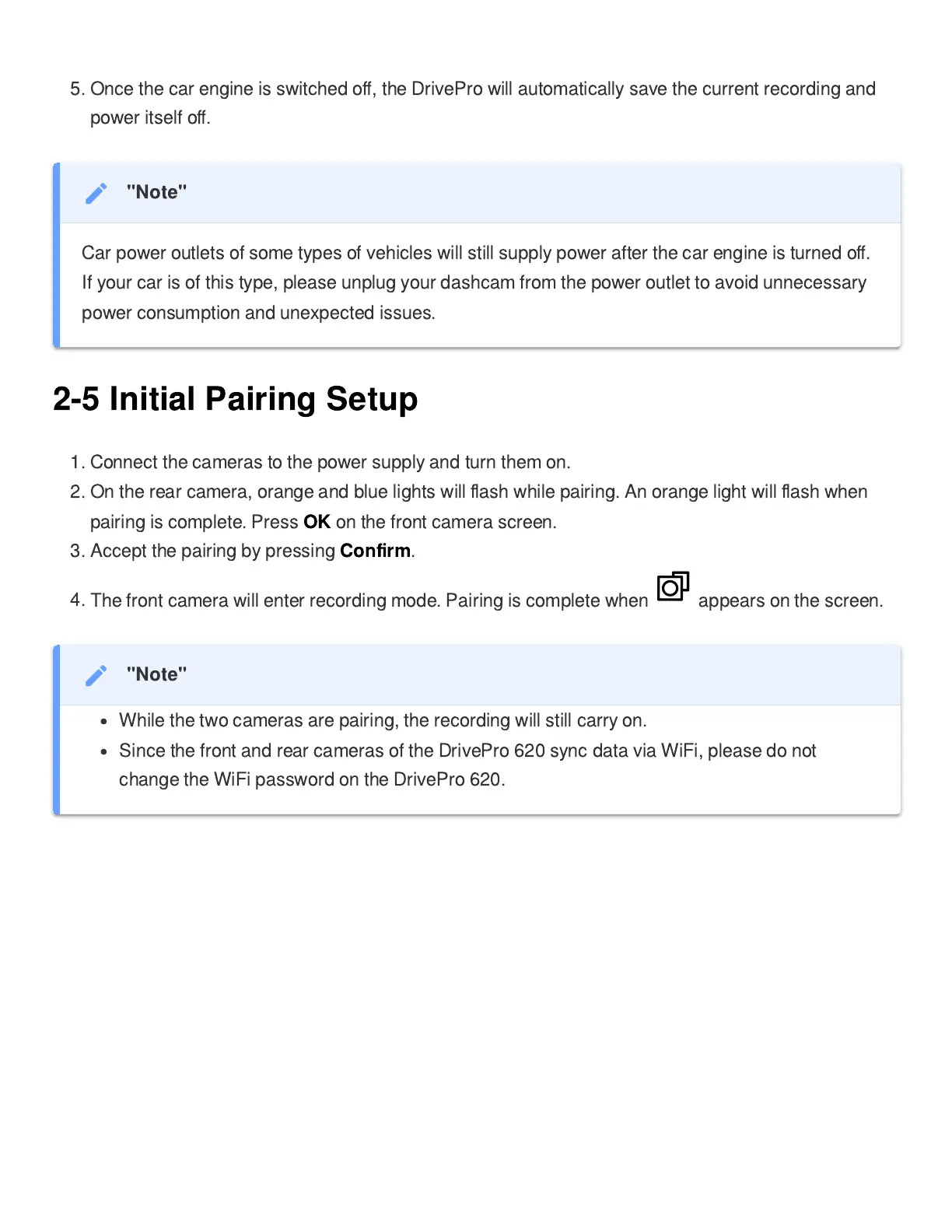
The front camera will enter recording mode. Pairing is complete when appears on the screen.
"Note"
Car power outlets of some types of vehicles will still supply power after the car engine is turned o
ff
.
If your car is of this type, please unplug your dashcam from the power outlet to avoid unnecessary
power consumption and unexpected issues.
"Note"
While the two cameras are pairing, the recording will still carry on.
Since the front and rear cameras of the DrivePro 620 sync data via WiFi, please do not
change the WiFi password on the DrivePro 620.















 To Next Page