2-3 Mounting the DrivePro
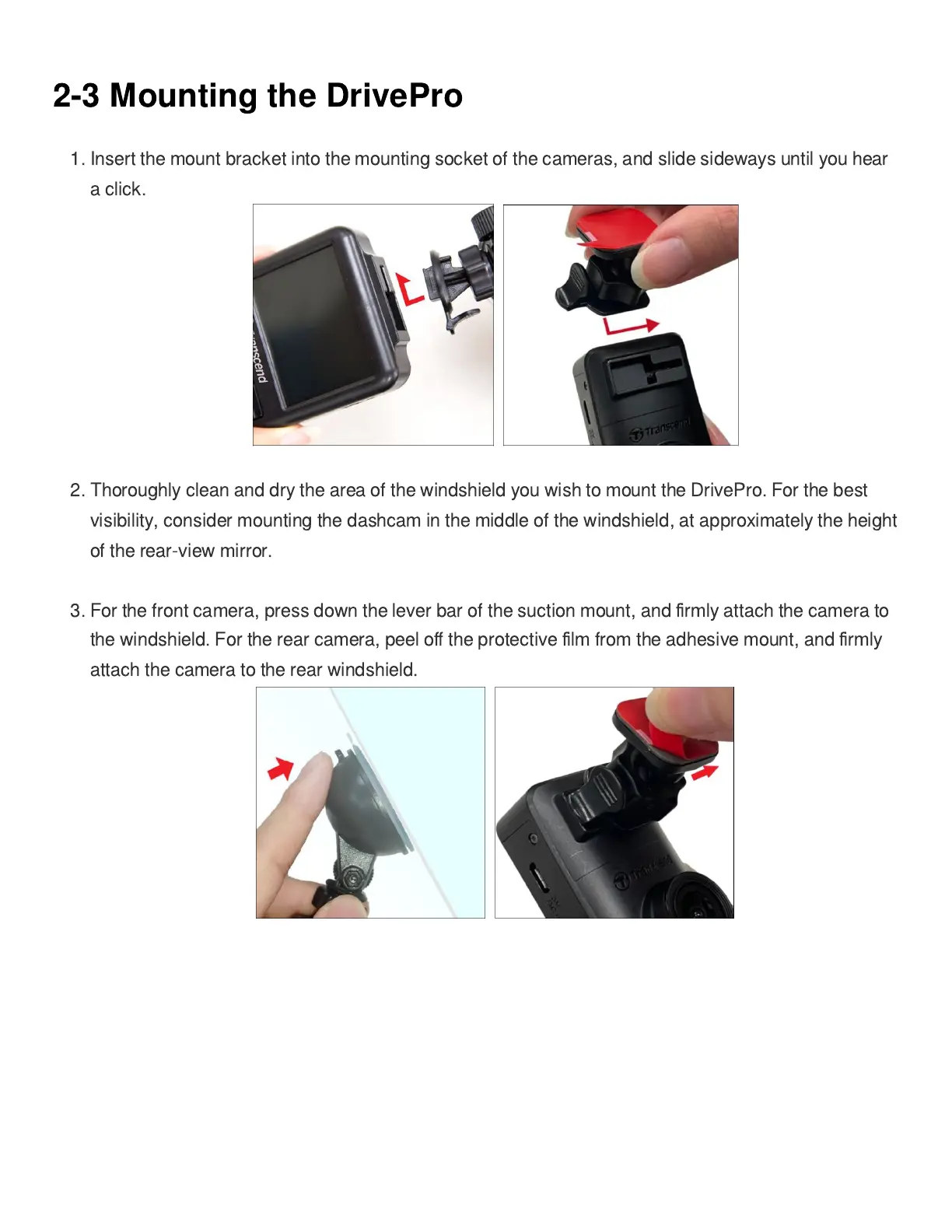
1. Insert the mount bracket into the mounting socket of the cameras, and slide sideways until you hear
a click.
2. Thoroughly clean and dry the area of the windshield you wish to mount the DrivePro. For the best
visibility, consider mounting the dashcam in the middle of the windshield, at approximately the height
of the rear-view mirror.
3. For the front camera, press down the lever bar of the suction mount, and
fi
rmly attach the camera to
the windshield. For the rear camera, peel o
ff
the protective
fi
lm from the adhesive mount, and
fi
rmly
attach the camera to the rear windshield.















 To Next Page