Note: Although the Photo Frame supports simultaneous reading from multiple cards, the
microSD/M2 slot (E) and the MS/MS Duo/PRO/HG slot (F) cannot be used at the same time.
Setting Up the Photo Frame
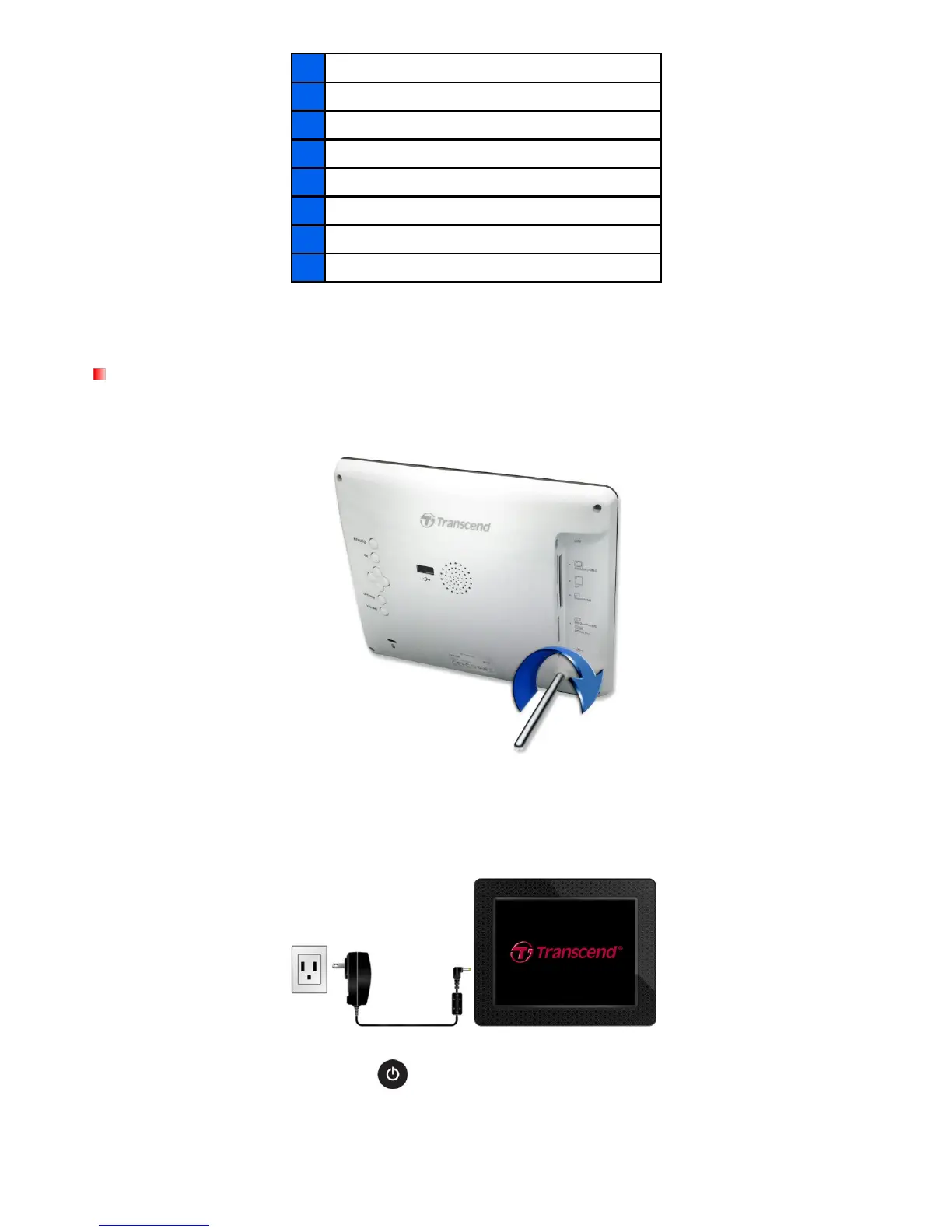
1. Attach the Tabletop Stand to the back of the Photo Frame by screwing it clockwise into the Stand
Attachment Hole shown above.
2. Once the stand is attached, the Photo Frame may be positioned vertically or horizontally (Landscape
or Portrait orientation)
3. Connect the power adapter cable to the DC power input jack on your Photo Frame.
4. Plug the power adapter into a wall outlet.
5. The Photo Frame will automatically turn on. If it is already plugged in, press the power button on the
back of Photo Frame, or press on the remote control.
6. To remove the Tabletop Stand, simply twist it counter-clockwise to unscrew it from the Photo Frame.



 To Next Page