34
4. Terminal Management
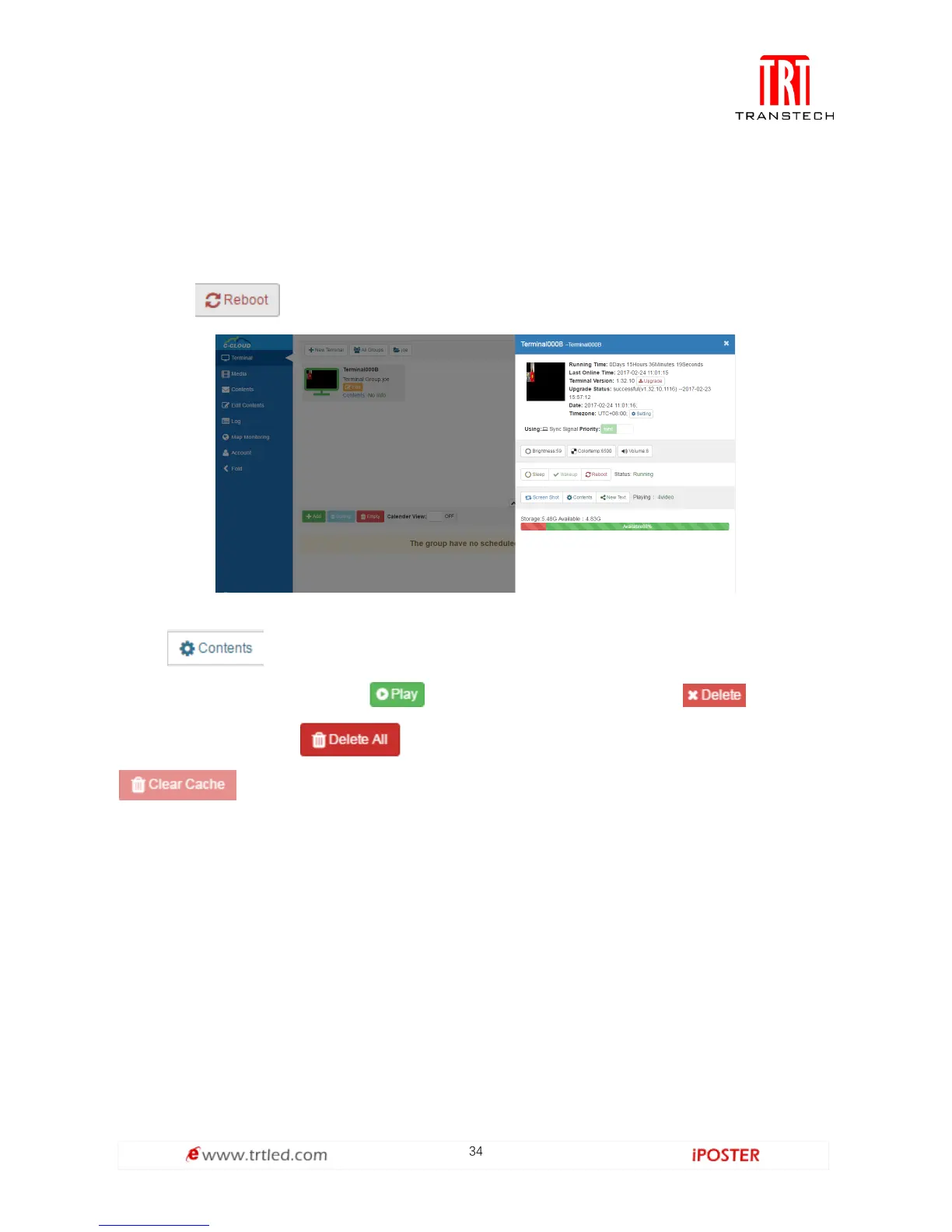
After setting up the terminal, login the server in the browser for checking its online status. The
green frame means that the device is online as shown in Figure 1.3.4-1 below.
1. Finish the initialization by click the device, and take a screenshot.
2. Terminal Operations:
Click to reboot the equipment,
Figure 1.3.4-1
Click if you want to switch the program, and the interface is shown in
Figure 1.3.4-2, you can click to switch the program, click to delete
the program, click to delete all programs in the terminal, click
to clear all useless Internet cached resources.
Moreover, you can remotely control device's brightness, color temperature, volume
and switch between sync and async signals.



 To Next Page