37
Media Management
1. Media Upload
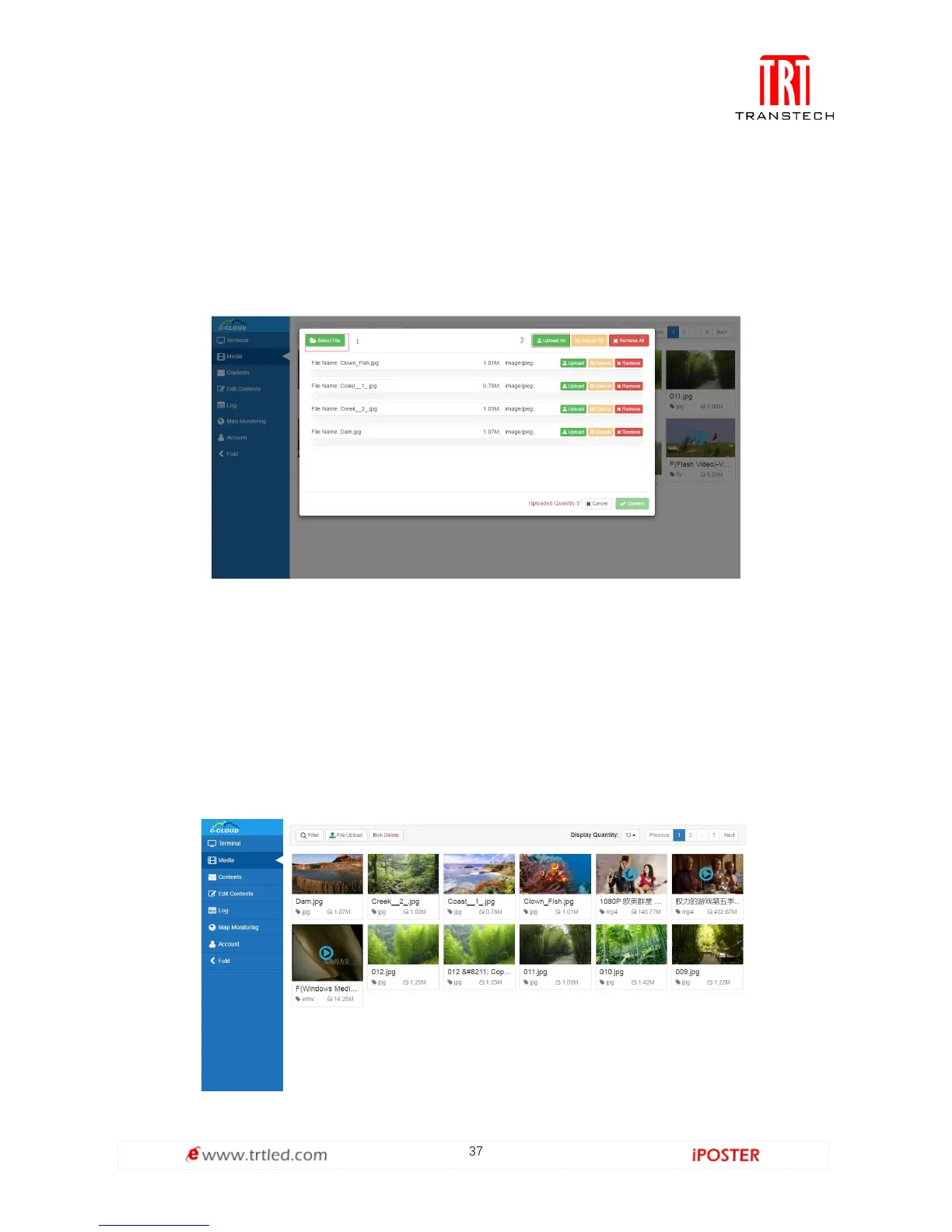
To upload media which users need to the server, click Media Management->File
Upload as shown in Figure 1.4.1-1. Click Select File, find the media, click Open to
complete; or drag the media in the dotted box directly. (PS: Capacity of single media
is limited to 512M Bytes)
Figure 1.4.1-1
2. Media List
Media list can only display media uploaded to the server by users, including videos
and pictures; and users can delete useless media in Media List. If media has been used,
users must delete programs that occupy it and then delete media (The mouse is
moved over occupied media and it will remind us that the media has been occupied
by certain programs), as shown in Figure 1.4.2-1. (PS: Media List can also display
media in programs being uploaded from C/S port)
Figure 1.4.2-1



 To Next Page