38
Program Management
1. Program List
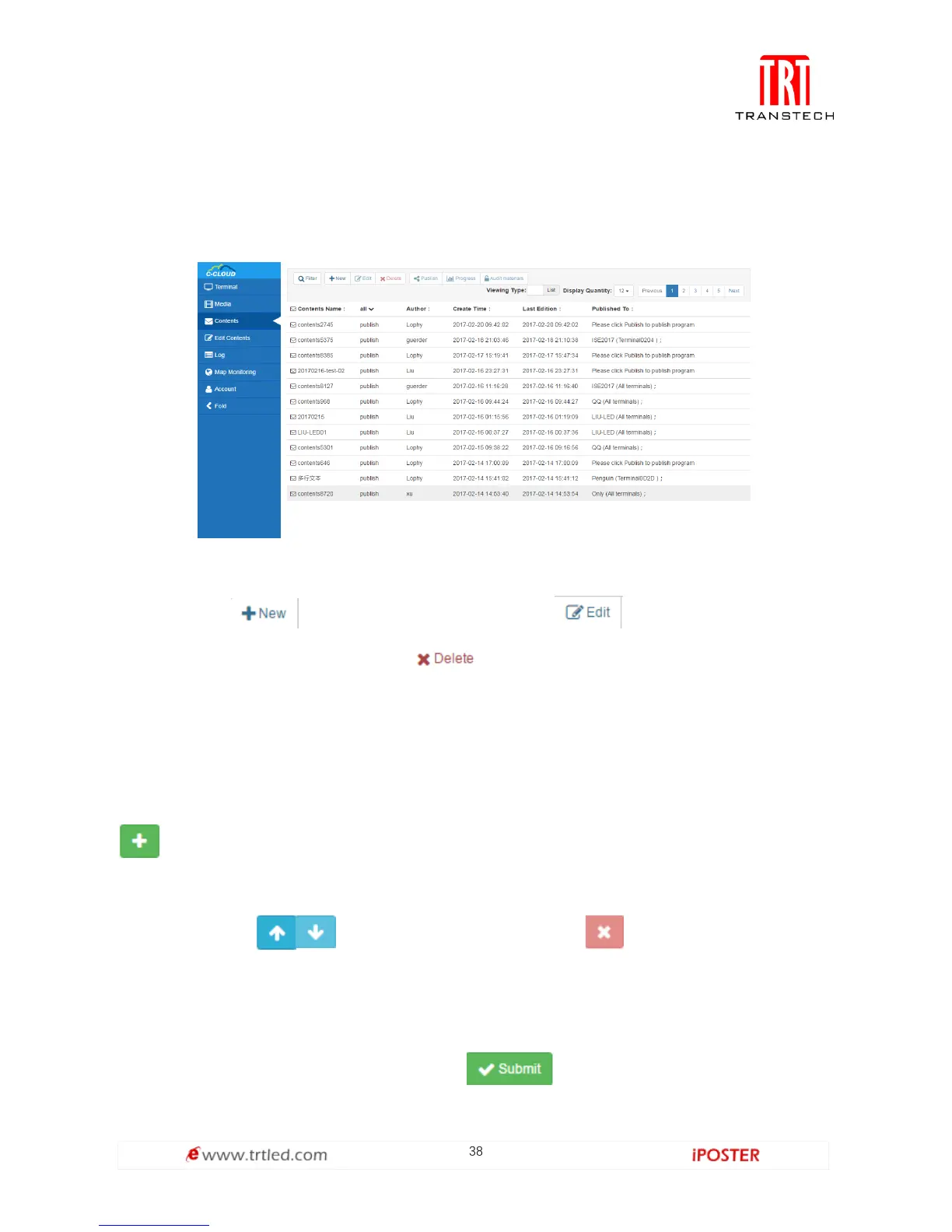
Program Management is shown in Figure 1.5.1-1. It displays all programs of Internet
created by this account, also including programs sent from C/S.
Figure 1.5.1-1
You can click to build a new program, click to edit the program (for
being created from B/S only), click to delete the program uploaded to server
by the account.
2. New Program
Build a new program of Internet. Click Edit Program, as shown in Figure 1.5.2-1. Click
to add Program Page and File Window (It supports the program of several
program pages and several file windows, File Window supports 4 file windows in
maximum), click to adjust the play order, click to delete program page,
file window or media; program name can be filled in arbitrarily, height and width are
set according to the size of screen with Terminal; preview window and adjustment of
size of file window are on the right; click to upload the program to server



 To Next Page