39
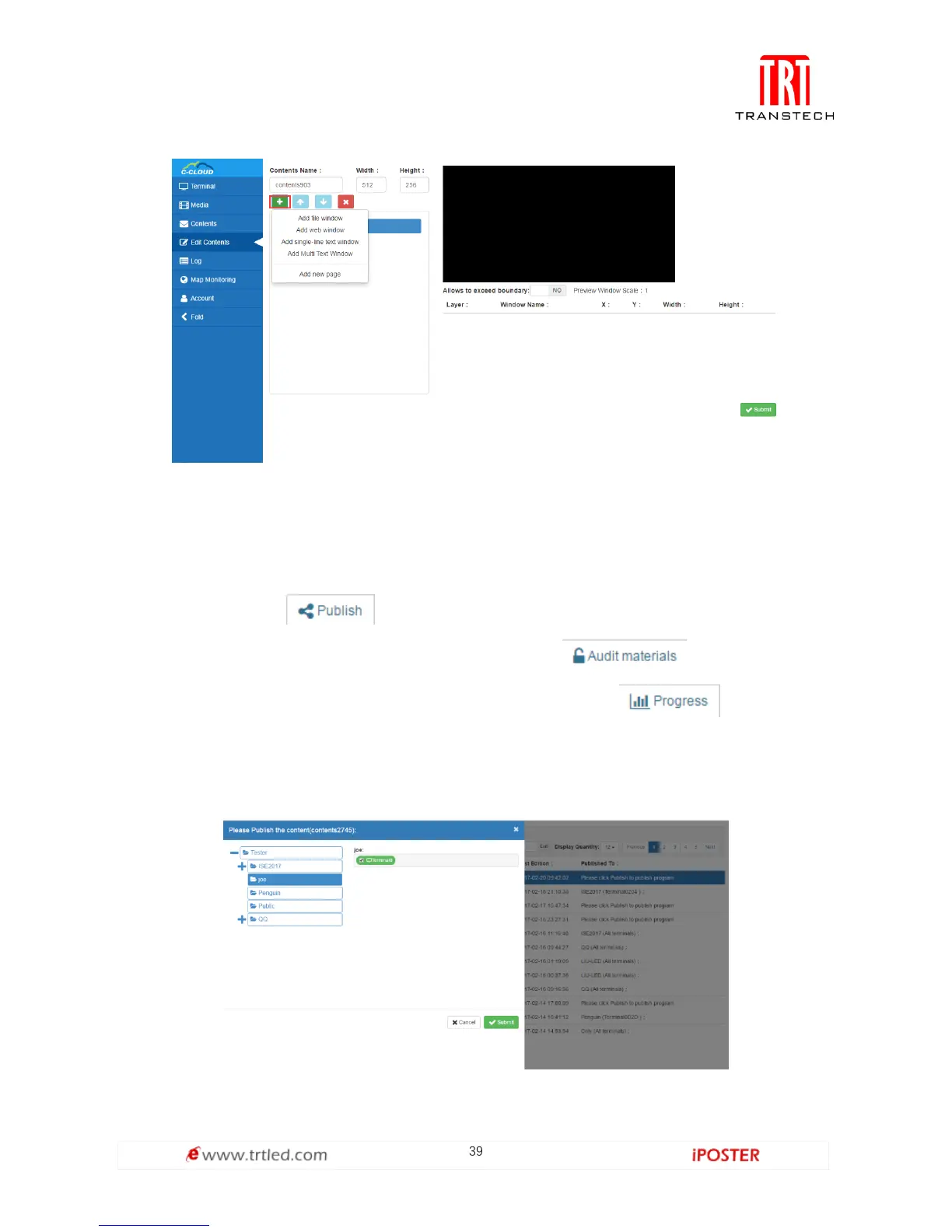
after building it, and it can be allotted freely or re-edited.
Figure 1.5.2-1
3. Program Allocation
Program can be clicked in the program list after building programs, as shown in
Figure 1.5.3-1, click , as shown in Figure 1.5.3-2, you can select terminal
group to send the program to all terminals of it; click , and you can see
all materials of the program (videos and pictures only); click , and you can
see download status of every terminal as shown in Figure 1.5.3-3, of course, you can
see the download status in advanced settings as shown in Figure 1.5.3-4.
Figure 1.5.3-1



 To Next Page