41
Security Monitoring
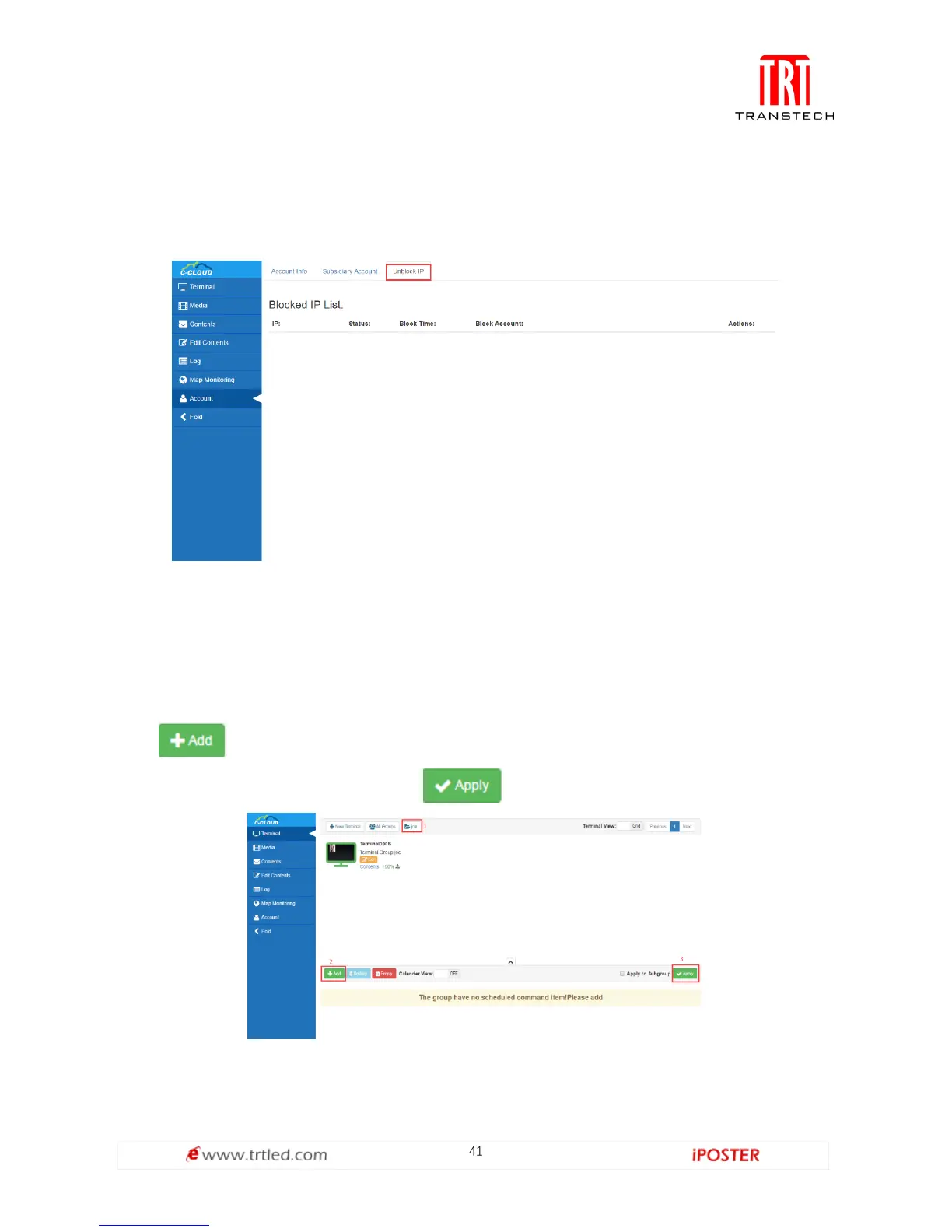
When unknown users attack server maliciously, or account and password input error
exceed 6 times, the server will lock corresponding IP of the user, the user also can
unlock it. As shown in Figure 1.6-1, all blocked users on the server can be recorded.
Figure 1.6-1
Command Schedule
Command Schedule locates under Terminal Management, it’s necessary to select a
terminal group for setting schedule, as shown in Figure 1.7-1.
Click , as shown in Figure 1.7-2, users can command Type, Execution Time,
Valid Date, Valid Week and etc. Click to enforce the schedule set by users.
Figure 1.7-1



 To Next Page