42
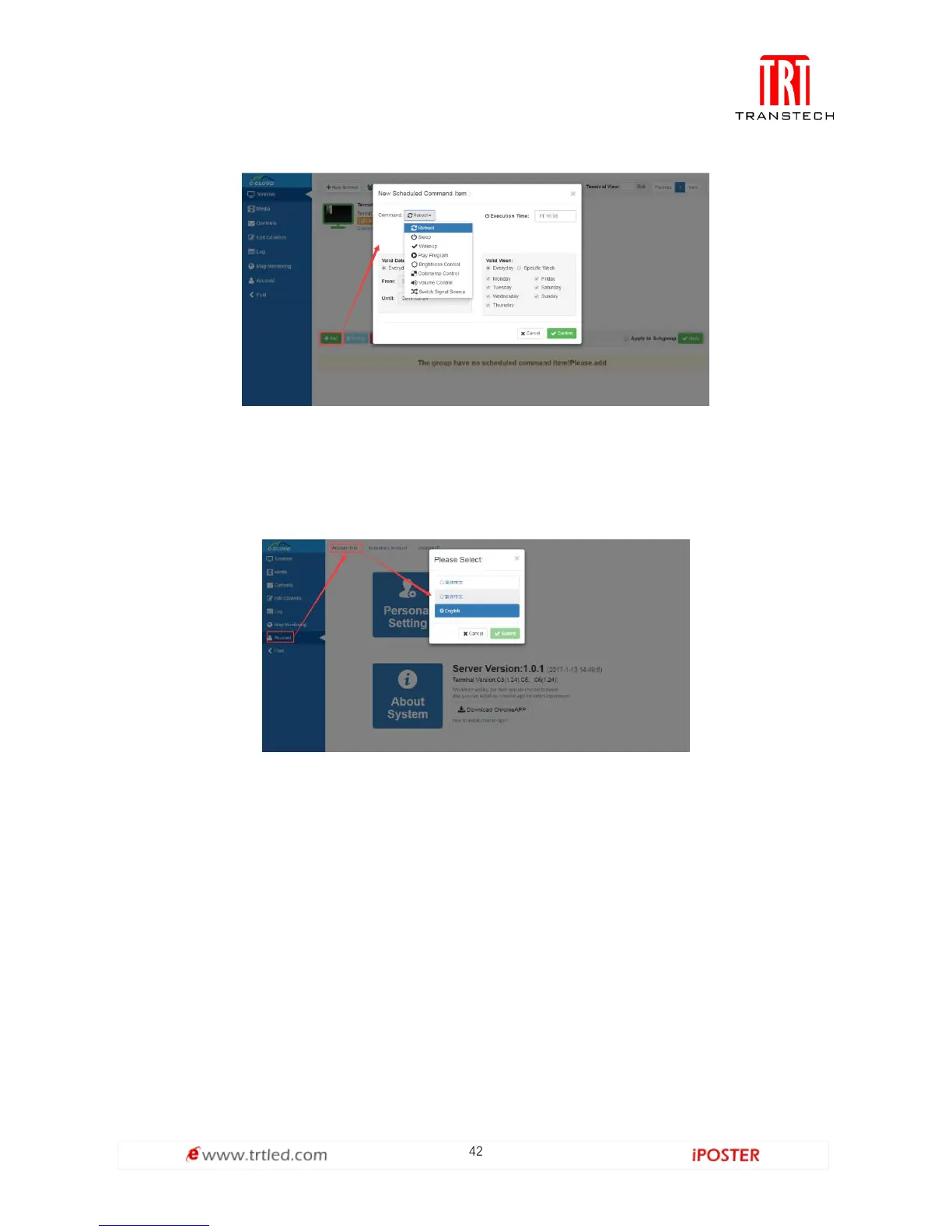
Figure 1.7-2
Language Switch
Switching language is on the left toolbar, as shown in Figure 1.8-1. Click Account Info-->Personal
Setting-->Language to switch Simplified Chinese, Traditional Chinese or English.
Figure 1.8-1
Account Management
The module applies to multi-users management, register new user and bind
corresponding terminal group, there are two permission assignments: administrator
and program maker (Only administrator can register new users). All subsidiary
accounts under the certain account are shown in Figure 1.9-1, new account
registration is shown in Figure 1.9-2.



 To Next Page