2. System Programming
Software version
G-IP81-WF11cB1 and ip-8100c-003 (update via WinSock File Transfer Protocol
WS_FTP)
2.1 Default IP
Default IP is 10.10.10.5
Power on and wait 40 seconds to start; Use Google Chrome to log onto the IP8100
setup page:
2.2 Default NO Password
Click “System Programming”, Default NO Password, click OK to proceed.
2.3 Default system
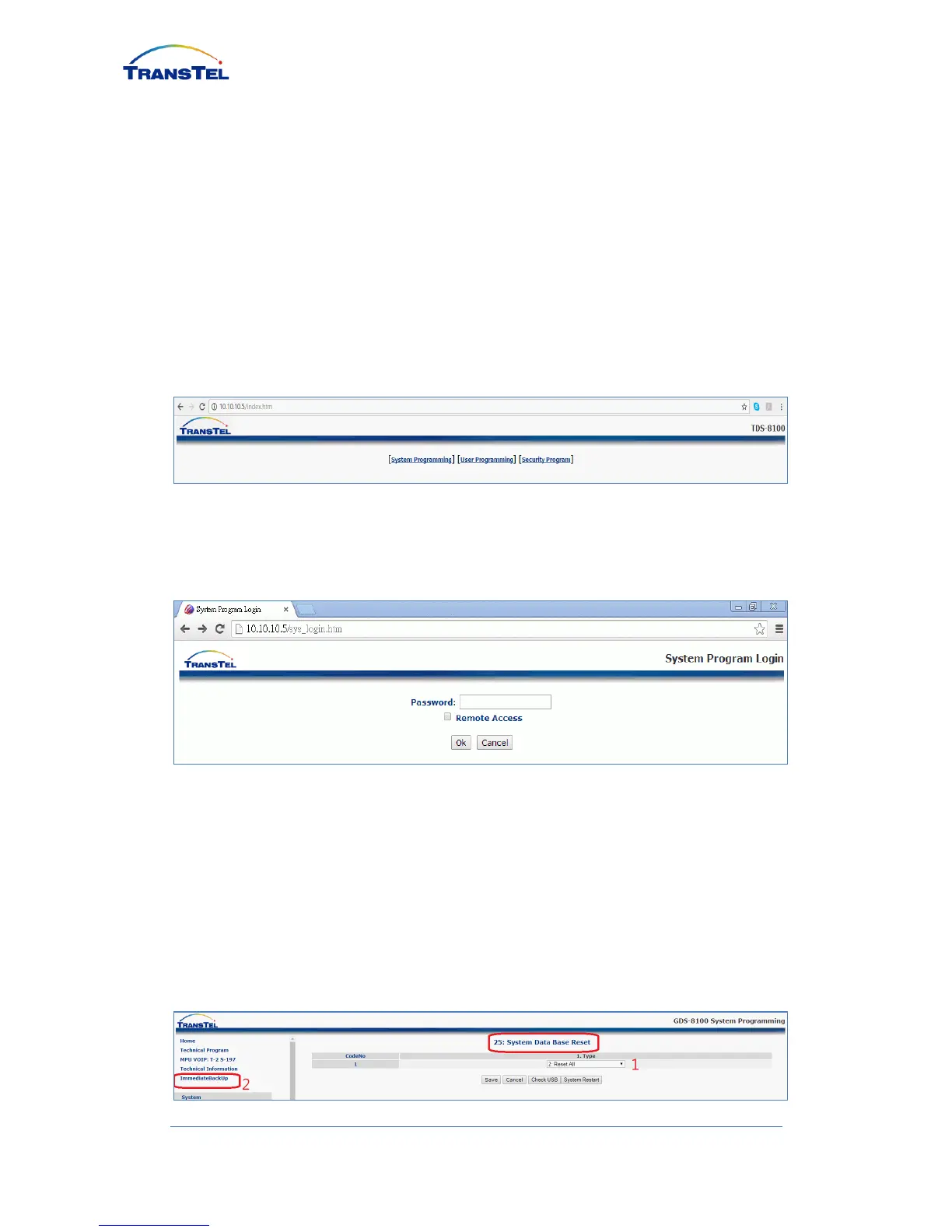
Please click SYSTEM tab, then click Mode: 25 System Data Base Reset; Ensure
pull down menu is showing 2: Reset All, then click SAVE button to auto configure
extension number, name and password in Numbering Plan and Port/Station
Number menu.
After configuration complete, click on ImmediateBackup to save setting.


 To Next Page