iGPS-M Pro USER’S MANUAL
4
Installation Guide
Step I:Check your iGPS-M Pro package
Please check the iGPS-M Pro package. If any items are missing or damaging, please
contact our distributor immediately.
The standard package of iGPS-M Pro contains:
z iGPS-M Pro Receiver
z CD ROM (Only USB type is with CD ROM, USB drivers is included)
z Y cable (optional)
With different brand/type of handheld device, the iGPS-M Pro receiver needs to
use different type of car charger.
Step II:Connect iGPS-M Pro receiver to PC/Lap top or handheld device
z For PS2 type: No USB Driver Installation is needed.
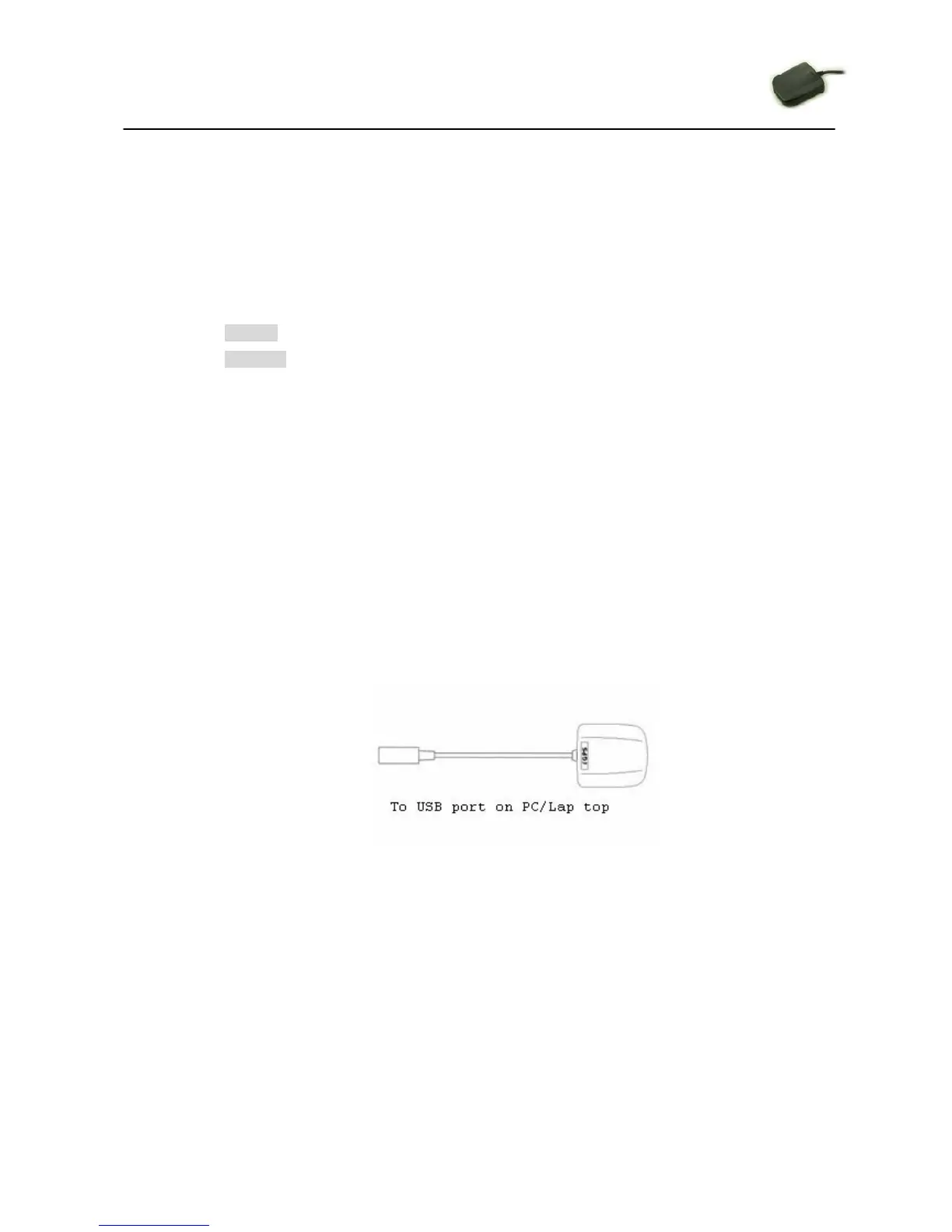
z For USB type: please follow the illustration as below. Before the USB
connector plugs in your PC/Lap top, please have your USB Driver Installation
ready.
z For RJ45 type: No USB Driver Installation is needed.



 To Next Page