EasyManua.ls Logo

TREBLAB HD-Force - True Wireless Stereo (TWS) Pairing

TREBLAB HD-Force
28 pages
Print Icon
To Next Page IconTo Next Page
To Previous Page IconTo Previous Page
Loading...
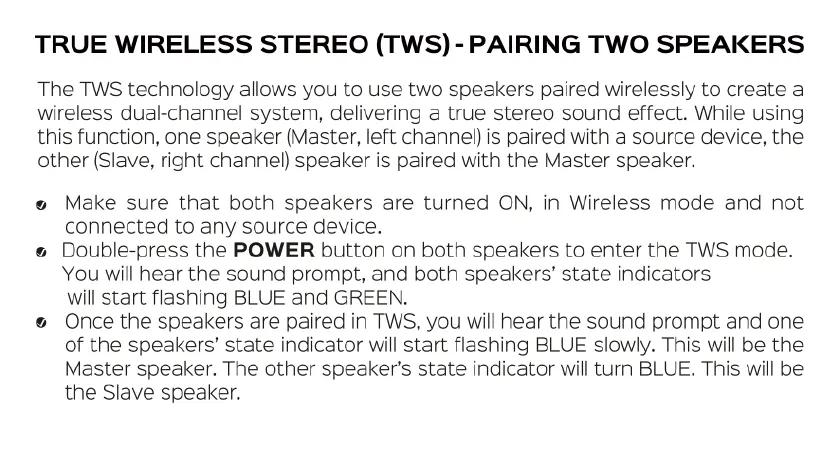
TRUE
WIRELESS
STEREO
(TWS)-
PAIRING
TWO
SPEAKERS
The
TWS
technology
allows
you
to
use two
speakers
paired
wirelessly
to
create
a
wireless
dual-channel
system,
delivering
a
true
stereo
sound
effect.
While using
this
function,
one
speaker
(Master,
left
channel)
is
paired
with
a
source
device,
the
other
(Slave,
right
channel)
speaker
is
paired
with
the
Master
speaker.
o
Make
sure that
both
speakers
are
turned
ON,
in
Wireless
mode
and
not
connected
to
any
source
device.
¢
Double-press
the
POWER
button
on
both
speakers
to
enter
the
TWS
mode.
You
will
hear
the
sound
prompt,
and
both
speakers’
state
indicators
will
start
flashing
BLUE
and
GREEN.
&
Once
the
speakers
are
paired
in
TWS,
you
will
hear
the
sound
prompt
and
one
of
the
speakers’
state
indicator
will
start
flashing
BLUE
slowly.
This
will
be
the
Master
speaker.
The
other
speaker’s
state
indicator
will
turn
BLUE.
This
will
be
the
Slave
speaker.

Related product manuals