EasyManua.ls Logo

TREBLAB HD-Force - Using Power Bank Mode

TREBLAB HD-Force
28 pages
Print Icon
To Next Page IconTo Next Page
To Previous Page IconTo Previous Page
Loading...
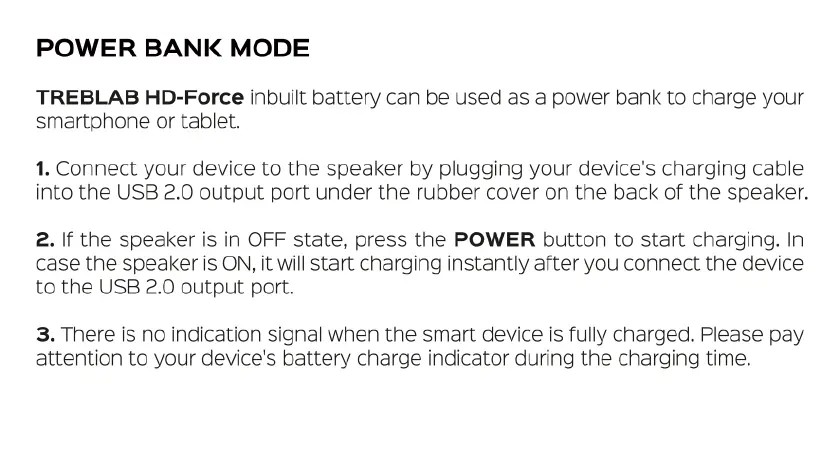
POWER
BANK
MODE
TREBLAB
HD-Force
inbuilt
battery
can
be
used
as
a
power
bank
to
charge
your
smartphone
or
tablet.
1.
Connect
your
device
to
the
speaker
by
plugging
your
device's
charging
cable
into
the
USB
2.0
output
port
under
the
rubber
cover
on
the
back
of
the
speaker.
2.
If
the
speaker
is
in
OFF
state,
press
the
POWER
button
to
start
charging.
In
case
the
speaker
is
ON,
it
will
start
charging
instantly
after
you
connect
the
device
to
the
USB
2.0
output
port.
3.
There
is
no
indication
signal
when
the
smart
device
is
fully
charged.
Please
pay
attention
to
your
device's
battery
charge
indicator
during
the
charging
time.

Related product manuals