EasyManua.ls Logo

TREBLAB HD-Force - Page 22

TREBLAB HD-Force
28 pages
Print Icon
To Next Page IconTo Next Page
To Previous Page IconTo Previous Page
Loading...
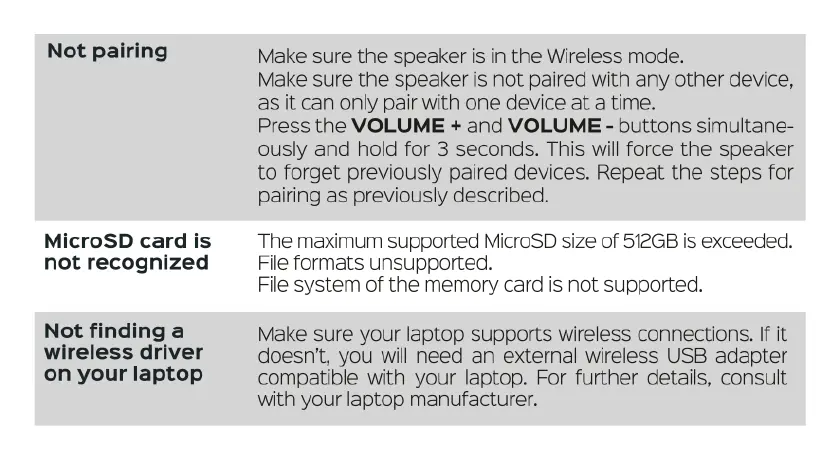
Not
pairing
MicroSD
card
is
not
recognized
Not
finding
a
wireless
driver
on
your
laptop
Make
sure
the
speaker
is
in
the
Wireless
mode.
Make
sure
the
speaker
is
not
paired
with
any
other
device,
as
it
can
only
pair
with
one
device
at
a
time.
Press
the
VOLUME
+
and
VOLUME
-
buttons
simultane-
ously
and
hold
for
3
seconds.
This
will
force
the
speaker
to
forget
previously
paired
devices.
Repeat
the
steps
for
pairing
as
previously described.
The
maximum
supported
MicroSD
size
of
512GB
is
exceeded.
File
formats
unsupported.
File
system
of
the
memory
card
is
not
supported.
Make
sure
your
laptop
supports
wireless
connections.
If
it
doesn't,
you
will
need
an
external wireless
USB
adapter
compatible
with
your
laptop.
For
further
details,
consult
with
your
laptop
manufacturer.

Related product manuals