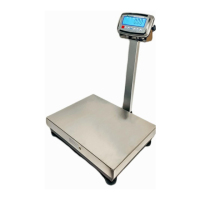
FBx Series Bench Scale EN-11
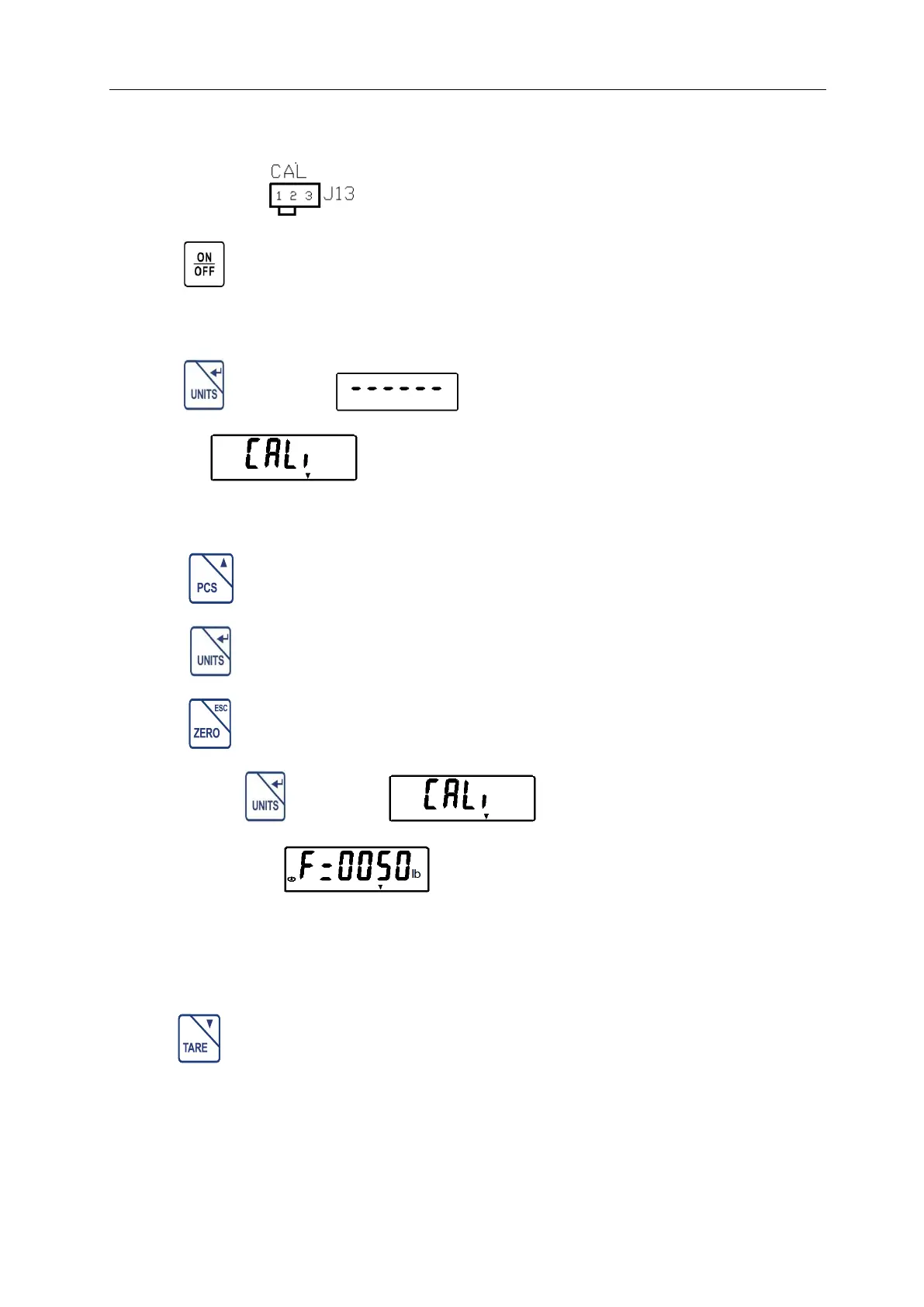
Open the indicator housing. Shorting the CAL jumper of J13 on the main
PC board. See .Move to position 2-3
Press key to turn on the indicator, the system will enter the self
checking mode.
Press key during appears on the display, the display
will show . The CAL arrow is lighted until the CAL jumper
of J13 is removed and moved over to the left.
Press key to select the setting menu in menu mode.
Press key to allow entry into the displayed menu.
Press key to exit the current setting menu.
Step 2: Press key when appears on the display, the
display will show . This means the system enter the CAL
setting menu.
This menu item is used to set the full capacity and main unit of the scale.
Press key to select the main unit lb or kg.
If a different full capacity value is desired, enter the new value via the
numeric keypad. Please refer to section 3.3.4 about how to input data of


 To Next Page