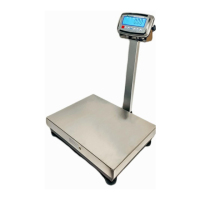
EN-12 FBx Series Bench Scale
“FBx Indicator Manual”.
FBx-C counting indicator can use numeric keypad, FBx-W weighing
indicator can use key to add 1 and key to shift 1.
Values entered refer to Appendix D for typical values of “FBx Indicator
Manual”.
Step 3: The full Capacity and main unit are set, press key to confirm
the setting. The display will show .
This menu item is used to set the calibration weight and calibration unit.
If a different calibration weight is desired, enter the new value via the
numeric keypad. Please refer to section 3.3.4 about how to input data of
“FBx Indicator Manual”.
FBx-C counting indicator can use numeric keypad, FBx-W weighing
indicator can use key to add 1 and key to shift 1.
Press key to select the calibration unit lb or kg.
Note: Calibration value range from 1 kilogram or 1 pound to 100% full
scale are accepted. Suggest that value range is not less than half of 100%
full capacity. Note that values closer to the full capacity will usually yield
the most accurate calibration.
Step 4: Calibration weight and unit are set, press key to confirm the


 To Next Page