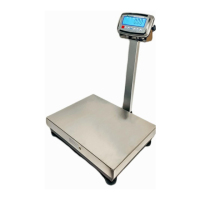
FBx Series Bench Scale EN-13
setting. The display will show .
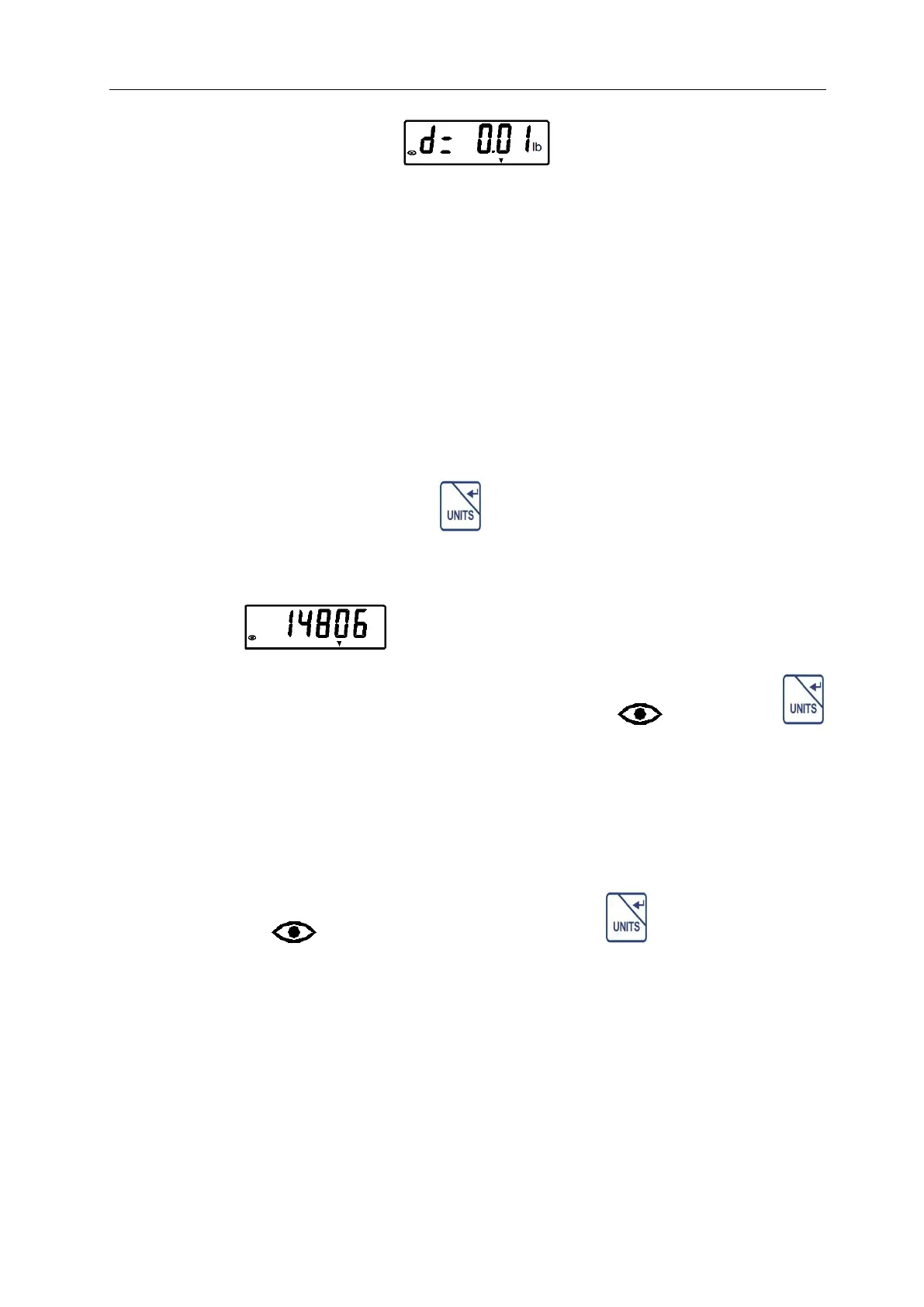
This item is set the division. The unit shown is the main unit that is set in
front.
Selections are: 0.01 /0.02 /0.05 /0.1/ 0.2 /0.5 /1 /2 /5 /10 /0.002 /0.005.
After setting the division, the scale will enter the calibration.
Set capacity, main unit , calibration weight, calibration unit and division in
sequence. Refer to 3.6 of “FBx Indicator Manual”.
Step 5: The division is set, press key to confirm the setting. The
display will show a series of digits known as the A/D value.
For example , these numbers will continuously move.
Step 6: Once the display shows the stable indicator ” ”, press the
key, the display will show the calibration weight that you entered in the
upper step 3, flashing.
Step 7: Place the corresponding mass on the platform, after 2 seconds,
stable indicator ” ” is displayed, then press the key the scale will
calibrate.
If calibration was successful, the calibration weight is displayed and the
scale automatically return to the weighing mode. Remove the mass and
begin weighing operations.


 To Next Page