16
4 Working with the application menu using the Intelligent
Key-Pad
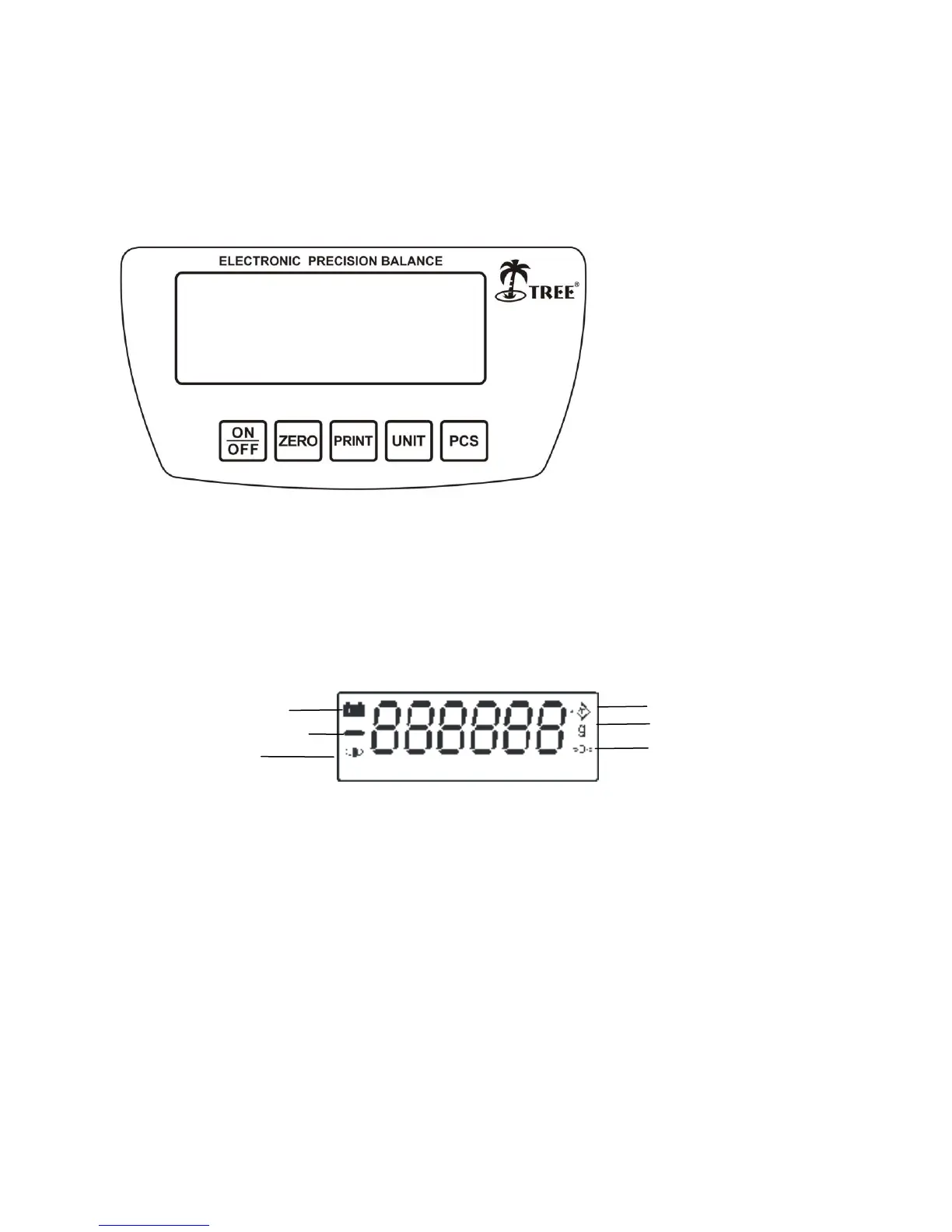
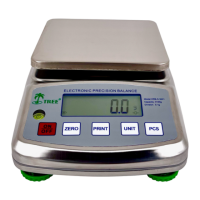
4.1 Display messages and key functions
4.1.1 Display messages:
4.1.2 Key Functions:
1. The On/Off key is to turn the Balance On or Off (Note: it has an On/Off hard switch at the bottom)
2. The ZERO key allows the user to subtract the container value multiple times within the capacity
weight, and is used to set or re-adjust the weighing machine in correct zero position.
3. The Print key is to send data to external device through RS232 connector.
4. The UNIT key is to toggle between different weighing units.
5. The PCS key is for piece counting.


 To Next Page