19
4.2.3 Pieces counting
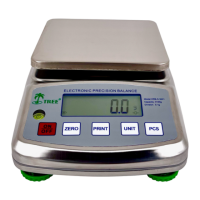
Press [ON/OFF] to turn on the Balance, wait for “0” to appear on the display
If necessary, press [ZERO] key to set the display to “0”
Press [PCS] key to enter PCS mode, display will show P = XX
Press [UNIT] key to select XX value ( 10, 20, 50 or 100)
Place a given number of samples of one item on the pan, the sample size should be 10, 20, 50 or
100 pieces.
Press [PCS] key to confirm sample quantity
Start counting by adding weight on the Balance
Press [PCS] key to return to the weighing mode


 To Next Page