– 8 – – 9 –
OPERATING INSTRUCTIONS
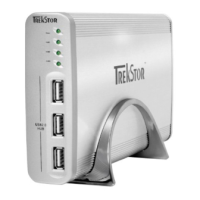
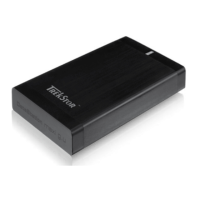
Thank you for buying the TrekStor DataStation. We are confident that this product will be the source of much enjoyment.
System requirements
Windows® Vista/XP/2000, Mac® OS X:
No additional drivers are necessary for these operating systems. If you use Windows® 2000, make sure that you have installed at
least service pack 4; Windows® XP requires service pack 2 or above.
1) Startup
• Connect the provided power cable (if available) to the power supply, and plug the power supply into a socket. Connect the
power supply to the "P
o w e r " connection of the DataStation.
• Only use the provided USB connection cable to connect the device to a USB port in your PC.
• Turn on the DataStation by briefly pressing the on/off button
) or by actuating the on/off switch ). Your operating
system will automatically recognize the DataStation, and add the DataStation as a "l
o C A l D i s k " (or "lo C A l D r i v e ")
to "m
y C o m P u t e r "/"Co m P u t e r " (Microsoft® Windows) or the "De s k t o P " (Mac® OS X and Linux®).
• Hold down the on/off button
) or actuate the on/off switch ) to turn off the DataStation.


 To Next Page