EasyManua.ls Logo

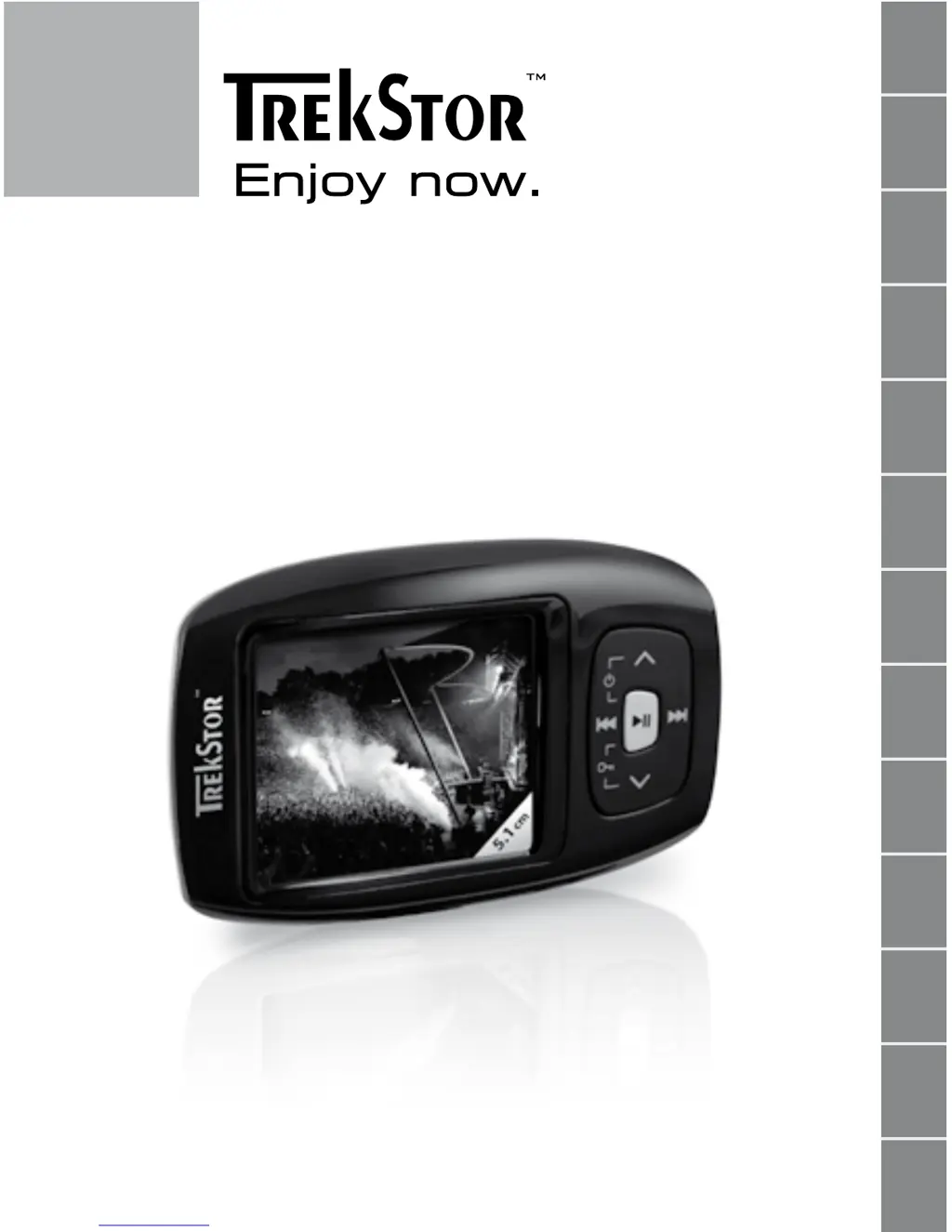
TrekStor i.Beat passion - User Manual

TrekStor i.Beat passion
110 pages
Go to English
Print Icon
To Next Page IconTo Next Page
Loading...
DE
EN
FR
IT
ES
PT
NL
SE
TR
PL
HU
RU
GR
i.Beat passion

Questions and Answers

  • C
    Cassandra GrimesAug 16, 2025
    Why my TrekStor MP3 Player cannot be turned on?
    • E
      Erin RobertsAug 16, 2025
      If your TrekStor MP3 Player isn't turning on, the HOLD function might be activated. Check if the key lock is engaged and deactivate it as described in the operating instructions. Alternatively, if your device has an integrated battery, it may need charging via USB cable connected to your PC or a USB charger. If it's battery-operated, replace the dead battery with a new alkaline one, ensuring correct polarity. External factors like electrostatic discharge can also cause this; try turning the player off and on, resetting it, or updating the firmware.
  • W
    William LeeAug 19, 2025
    What to do if my TrekStor MP3 Player freezes?
    • B
      bowenjudyAug 19, 2025
      If your TrekStor MP3 Player freezes, especially with a specific audio file, the file may be damaged. Try deleting the problematic file. If the issue persists, reset the player. If it continues to freeze, consider updating the firmware.
  • A
    alex29Aug 22, 2025
    Why I do not hear any music from my TrekStor MP3 Player?
    • K
      Kelly BenjaminAug 22, 2025
      If you can't hear music from your TrekStor MP3 Player through earphones/headphones, first check if an audio file is playing by observing the elapsed or remaining time display. If not, start playback. Ensure the stereo jack of the earphones/headphones is fully inserted into the jack socket. Also, verify that the volume on your MP3 player is adequately loud.
  • A
    Anthony WhiteAug 25, 2025
    How to fix TrekStor MP3 Player when it does not respond?
    • R
      rburchAug 26, 2025
      If your TrekStor MP3 Player isn't responding to button presses, the HOLD function might be activated. Check if the key lock is engaged and, if so, deactivate it as described in the operating instructions.
  • D
    Daniel ScottAug 28, 2025
    Why TrekStor MP3 Player cannot play transferred files?
    • P
      Patricia OnealAug 28, 2025
      If your TrekStor MP3 Player can't play files you've transferred, the files might be in an unsupported format. Check the TrekStor homepage (www.trekstor.de) for the datasheet of your specific model to find the supported file formats.
  • F
    fcruzAug 31, 2025
    Why my TrekStor MP3 Player cannot play WMA files?
    • C
      Christina WeeksAug 31, 2025
      If your TrekStor MP3 Player cannot play WMA audio files, the files may be copy-protected. You need to copy them through Windows Media® Player. First, verify on the TrekStor homepage datasheet for your MP3 player model if it supports WMA DRM copy-protected files.
  • B
    brittanyellisSep 3, 2025
    How to play audio files from Mac on TrekStor MP3 Player?
    • J
      Jonathan WilliamsonSep 3, 2025
      If your TrekStor MP3 Player can't play audio files transferred from your Mac®, it might be due to the file format. AAC format files, like those from iTunes®, are often incompatible. Convert these files to MP3 format using iTunes® or another program. Note that some downloaded files might have protective measures preventing conversion.
  • C
    cartermeganSep 5, 2025
    How to play music in order on TrekStor MP3 Player?
    • B
      Brandon BaldwinSep 6, 2025
      If audio files on your TrekStor MP3 Player aren't playing in the correct sequence, the "Shuffle" playback mode may be enabled. Switch to the "Normal" playback mode. You can also sort your audio files within a subfolder before copying it to your MP3 player, or rename the files with numerical prefixes (e.g., "001_Title", "002_Title").
  • S
    Sylvia CummingsSep 9, 2025
    Why odd characters appear on TrekStor MP3 Player display?
    • C
      cobbdustinSep 9, 2025
      If odd characters appear on the display of your TrekStor MP3 Player while playing music, the character set may not be supported. Use only the standard characters of the selected menu language for file names and ID3 tags, avoiding special characters like accents.
  • S
    Sarah WoodSep 12, 2025
    How to change the language on TrekStor MP3 Player?
    • M
      Mr. Steven PierceSep 12, 2025
      If you cannot understand the menu language on your TrekStor MP3 Player, reset the player. If resetting doesn't work, update the firmware. The language selection menu should then appear.

Summary

OPERATING INSTRUCTIONS

Controls for the TrekStor i.Beat passion

Overview of device buttons, display, and ports.

Connecting to a PC

Instructions for connecting the device to a computer.

Loading the TrekStor i.Beat passion

Details on charging the device battery.

Exchanging Data

How to transfer files to and from the device.

Using the TrekStor i.Beat passion

Basic operation of turning the device on and off.

Navigating Modes and Folders

Explanation of device modes and file navigation.

Music Mode Operations

Details on music playback features and controls.

Settings Configuration

How to configure various device settings.

Troubleshooting

TrekStor i.Beat passion Specifications

General IconGeneral
Audio Formats SupportedMP3, WMA, WAV
Battery LifeUp to 12 hours
FM RadioYes
Voice RecordingYes
USBUSB 2.0
DisplayOLED

Related product manuals