
 Need help?
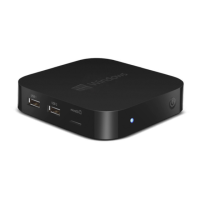
Do you have a question about the TrekStor W1 and is the answer not in the manual?
Instructions for connecting the MiniPC to a display, keyboard, and mouse using HDMI and USB ports.
Procedure for powering on the MiniPC, including connecting the power adapter and using the on/off switch.
Detailed steps for connecting the MiniPC to a wireless network using WPA or WPS authentication.
Steps to restart the MiniPC if it freezes or becomes unresponsive.
Guide to re-setting up the MiniPC, offering three different recovery options.
 General
| Storage | 32 GB eMMC |
|---|---|
| Graphics | Intel HD Graphics |
| RAM | 2GB |
| Operating System | Windows 10 |
| Connectivity | Bluetooth 4.0 |

 To Next Page