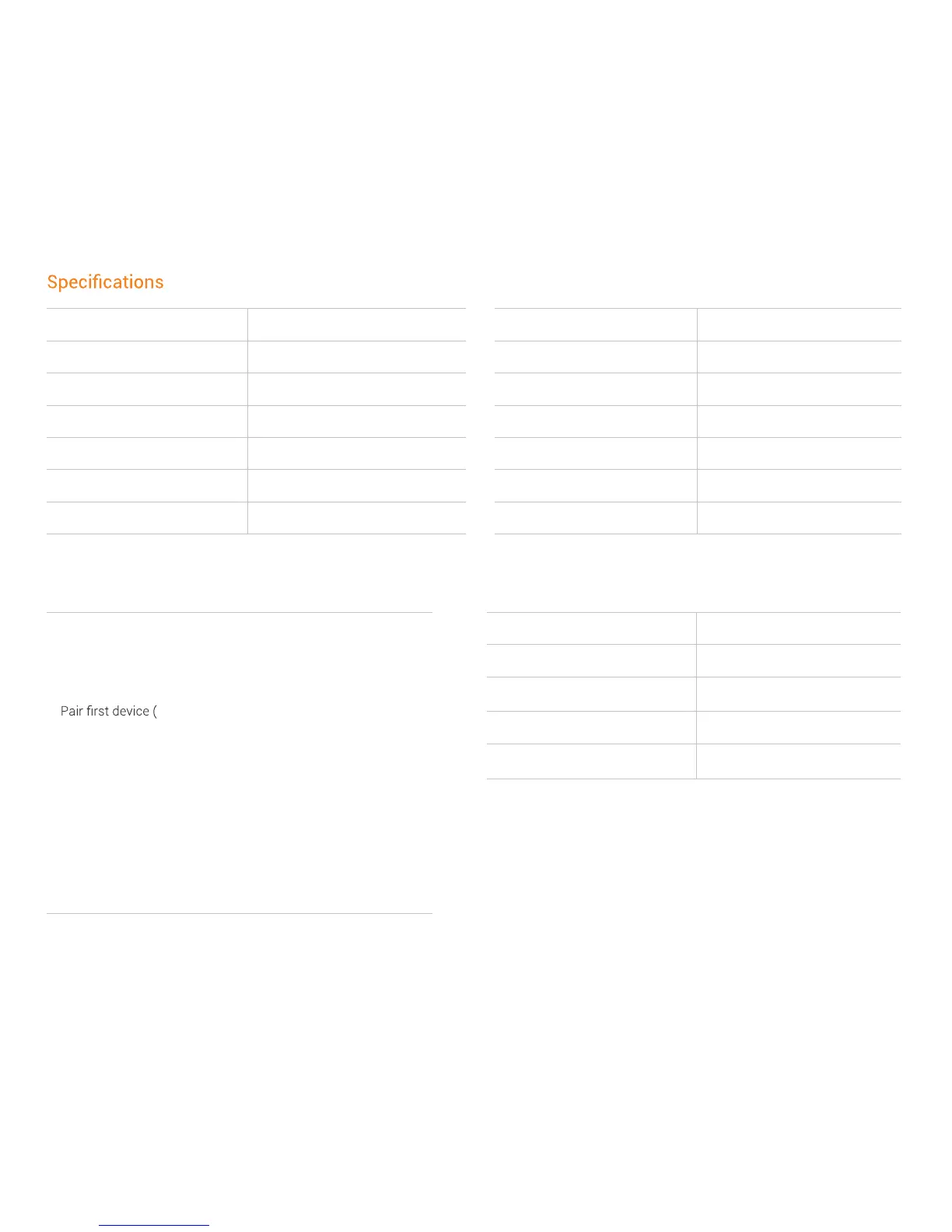
Part number AS600 Wireless range 33 ft (10m)
Speaker type Bone conduction transducer Battery Rechargeable lithium ion
Frequency response 20Hz~20KHz Continuous play 6 hours
Sensitivity 100 ± 3dB Standby time 10 days
Microphone -40dB ± 3dB Charge time 1.5 hours
Bluetooth
®
version Bluetooth
®
v4.1 Weight 1.27 oz (36g)
Compatible pro A2DP, AVRCP, HSP, HFP Warranty 2 years
LED indicatorMuiltipoint pairing
1. Enter pairing mode
2. Press the multifunction button and volume up/power button
for 2 seconds (Audrey Says™ “multipoint enabled”)
3.
Audrey Says™ “connected”)
4. Shut down
5. Re-enter pairing mode
6. Pair second device (Audrey Says™ “second device connected”)
7. Turn the device off, then power back on
Enter pairing mode, then press and hold the multifunction button, and both volume buttons simultaneously for 3 seconds.
How to reset your headphones
Solid red Charging
Solid blue Charging complete
Flashes red and blue Pairing mode
Flashes blue Incoming call
Flashes red every 2 minutes Low battery


 To Next Page